 Add to Chrome
Free account
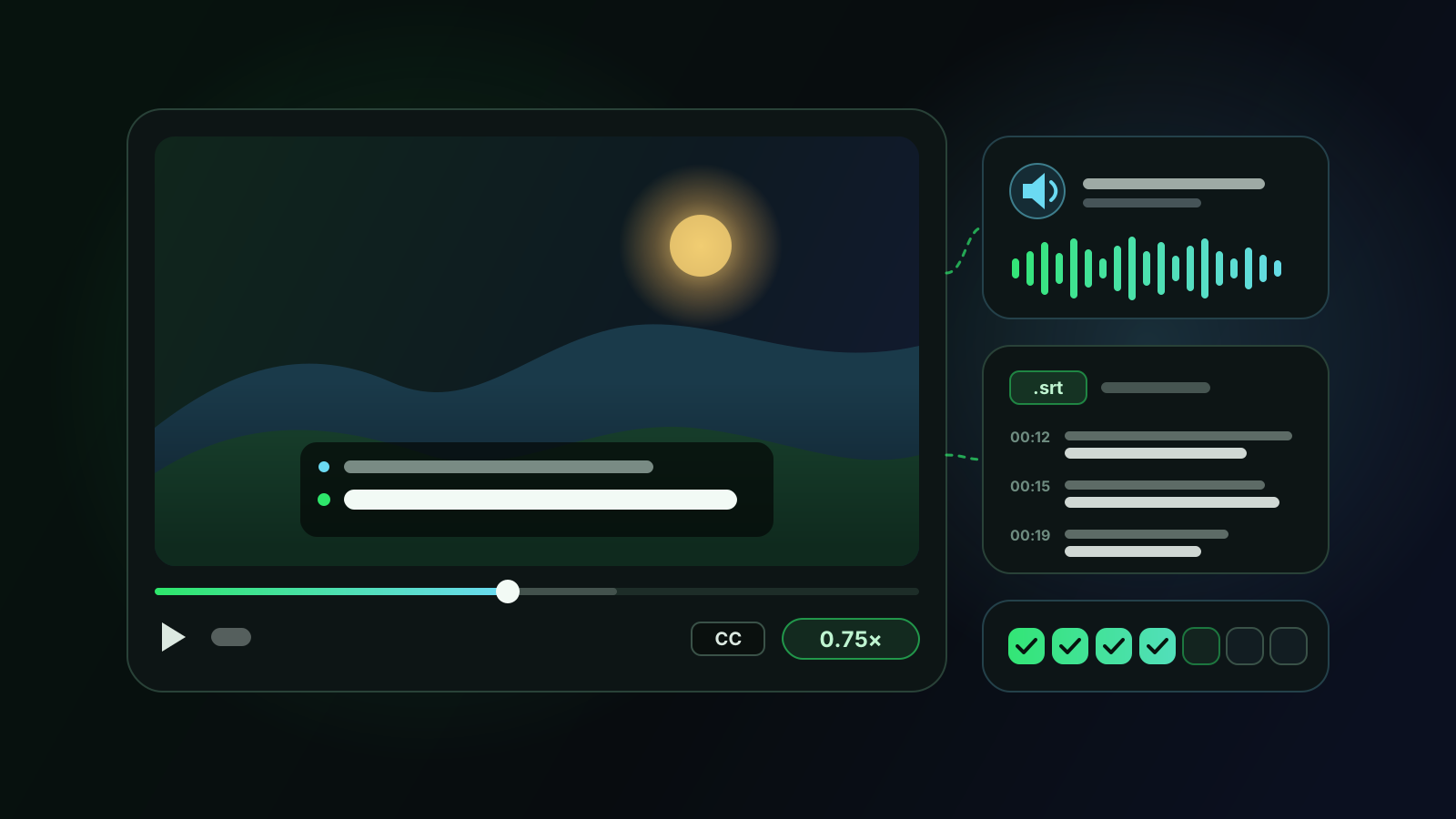
Your first day unlocks every site. After that, you keep 10 free minutes a day on YouTube, Netflix, Prime Video, Disney+ and Twitch, with bilingual subtitles, history and .srt export.
Language learning
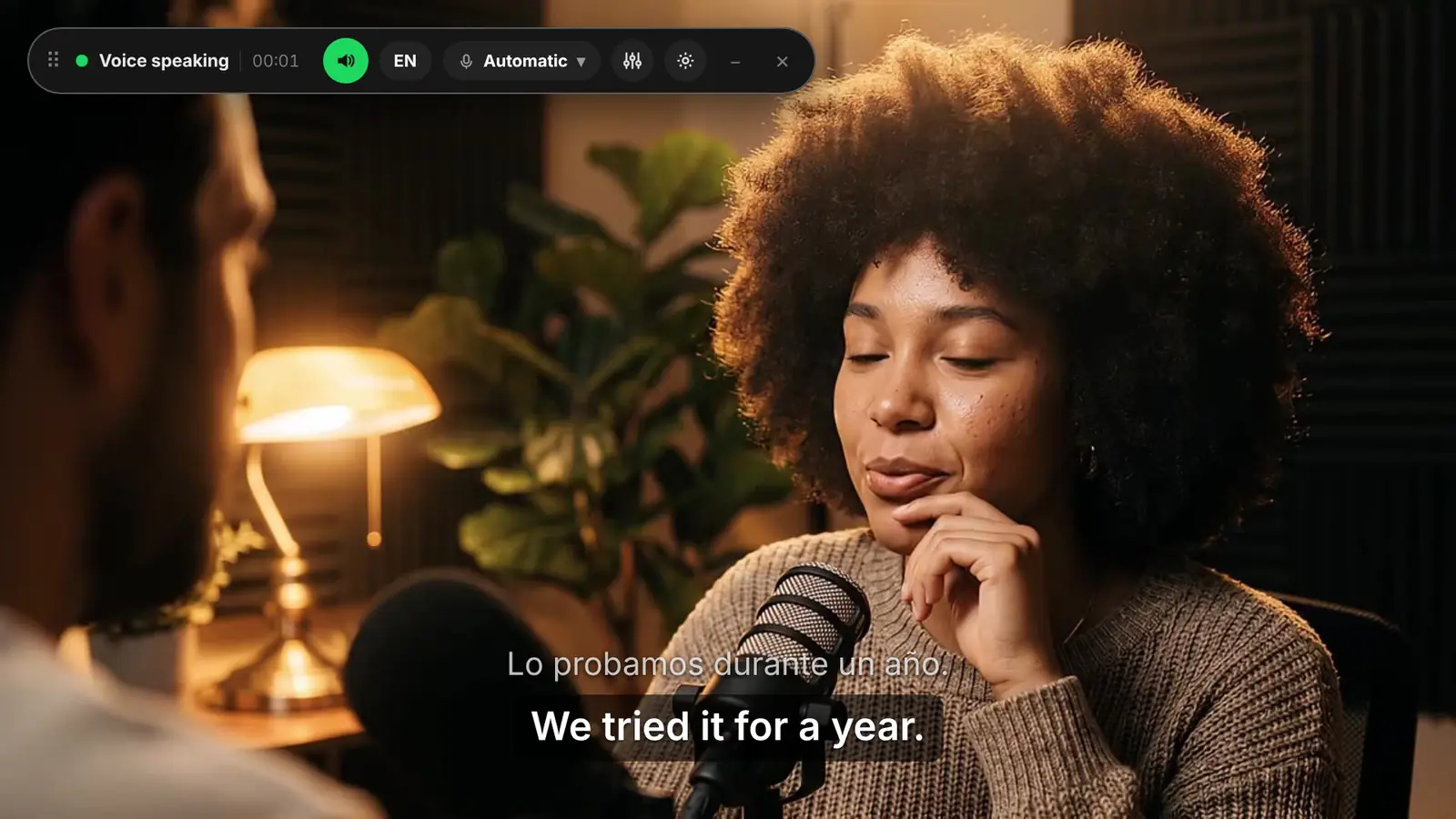
Voxylio shows each subtitle line in the original language with its translation underneath, and can speak the translation over the video. Use the dub to follow a hard video, then turn the original audio back up as your ear gets used to the language.
Free account with Google sign-in. No card needed.
Any video with captions works, from a YouTube vlog to a Netflix series. Turn on the captions in the original language.
Leave the video language on auto-detect and choose your own language as the dubbing language.
Switch on On-screen subtitles in the floating bar. The original line stays on top with the translation under it, at the size you choose.
Start with the Immersion preset to follow the story, then move to Original forward as your listening improves.
Your first day unlocks every site. After that, you keep 10 free minutes a day on YouTube, Netflix, Prime Video, Disney+ and Twitch, with bilingual subtitles, history and .srt export.
Pro ($9.99 a month or $39.99 a year) and Lifetime ($99 once) remove the daily limit and add every other supported site, such as Coursera, Vimeo and Viki.
Students and teachers get 40% off yearly and Lifetime. Request a discount
Only if you never switch back. Use the dub on a first pass to understand the content, then watch again with the original audio forward and the bilingual subtitles as support.
Yes. Pick the language you're learning as the dubbing language and you hear it spoken over a video you already understand, with the original line still on screen.
Yes. Each session is saved in your history on your device. You can read it in bilingual, original-only or translation-only view, copy it, or export the original or the translation as an .srt file.
Yes. Change the speed in the video player and the dub follows it. The voice also has its own speed setting in the floating bar.
Use them to follow the meaning. The translation is automatic and only as good as the captions, so check new expressions in a dictionary before you memorize them.
Free account with Google sign-in. No card needed.