 Add to Chrome
Free account
Your first day unlocks every site with no limit. After that, Netflix stays free with 10 minutes of dubbing a day, counted only while a playing video is being dubbed.
Netflix
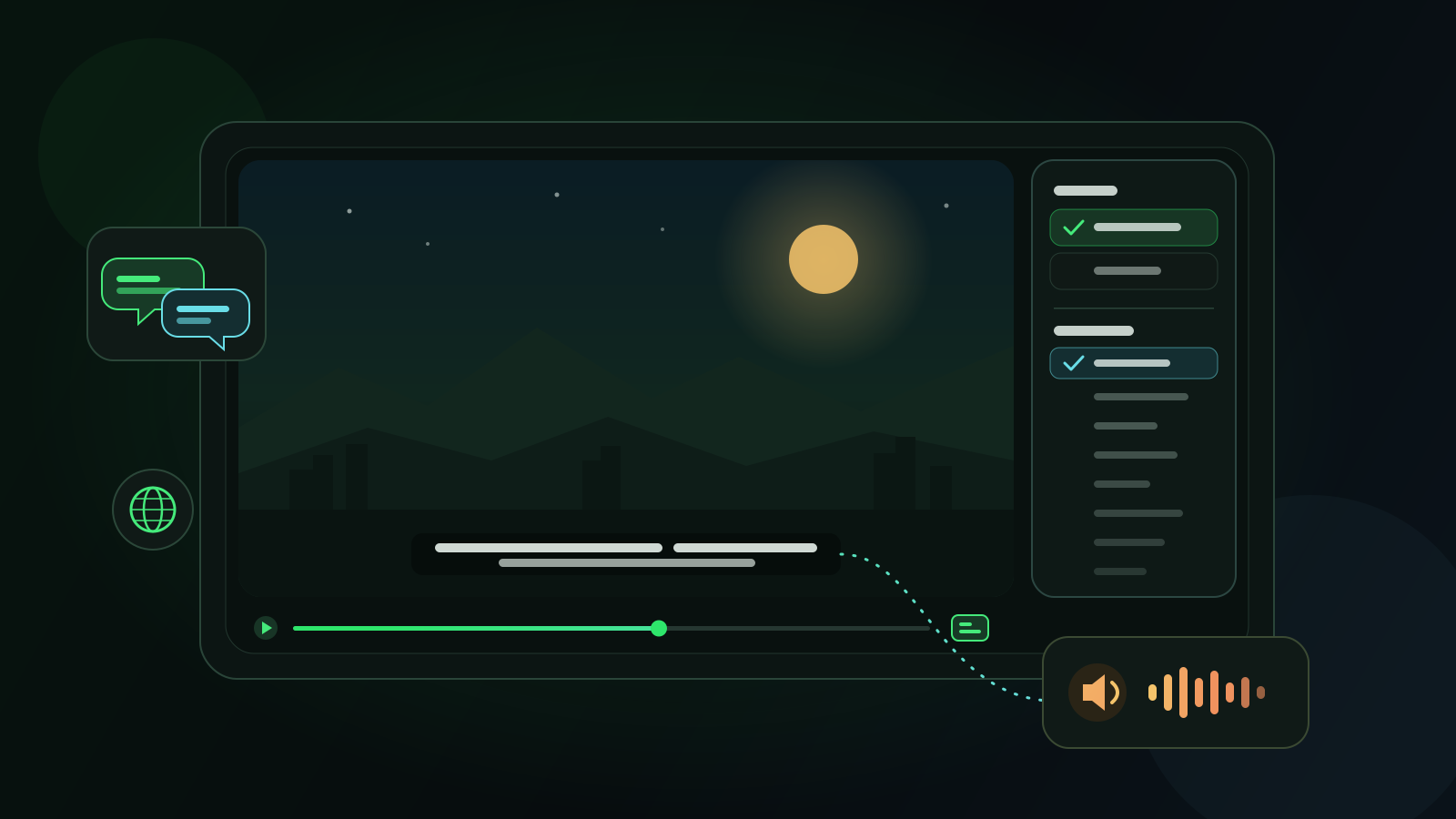
When a Netflix title has subtitles but no audio in your language, Voxylio translates those subtitles and speaks them over the episode while the actors stay audible underneath. It works on netflix.com in Chrome, Edge and Firefox on a computer, with any title that has subtitles in at least one language.
Free account with Google sign-in. No card needed.
Install the extension in Chrome, Edge or Firefox and sign in with Google. It's free and asks for no card.
Play the title and choose a subtitle track under Audio & Subtitles. Any language works, and the original-language track or English usually gives the best translation.
Set your dubbing language in the popup and preview a few voices before the episode starts.
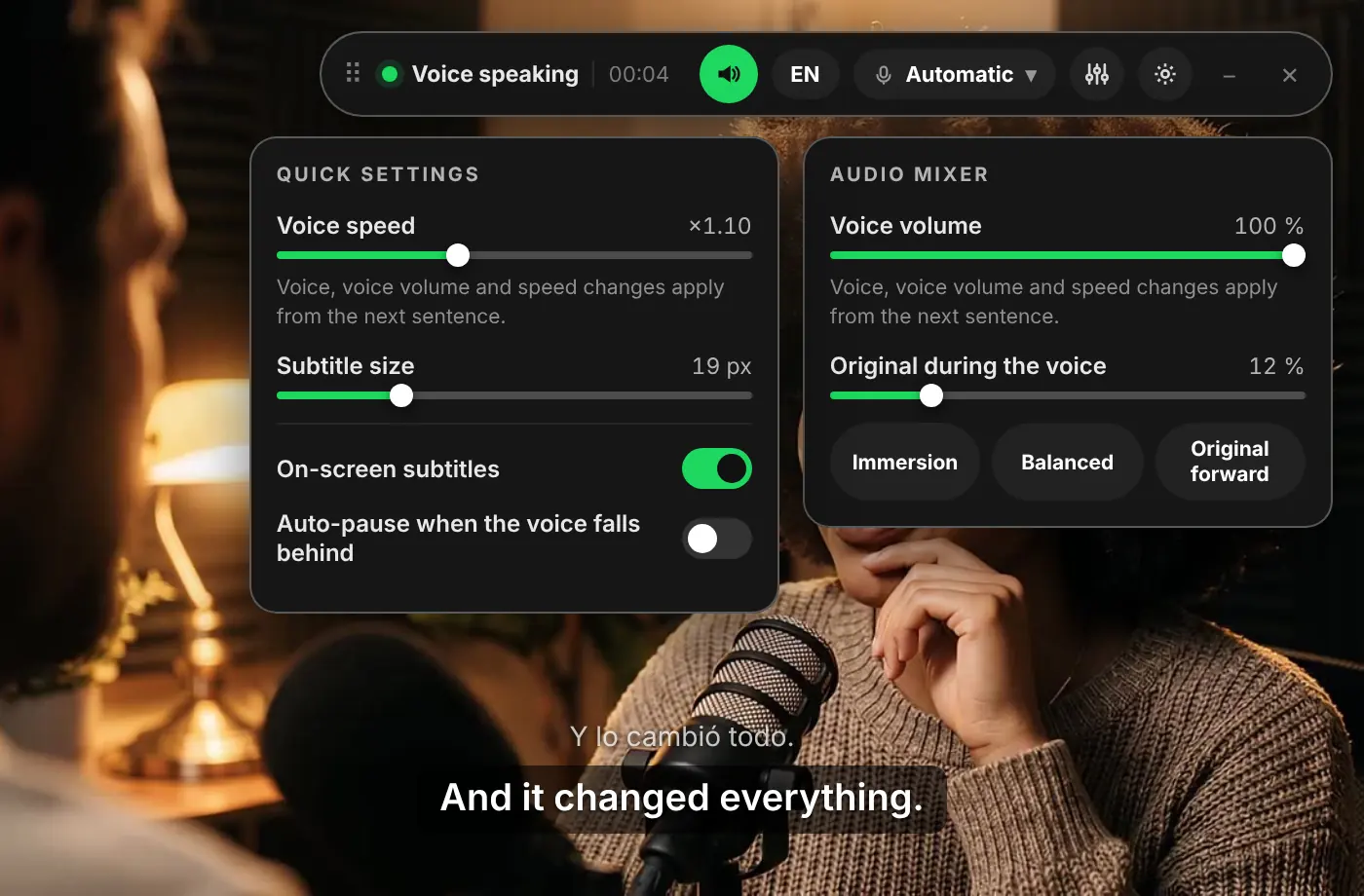
The voice reads each line in your language, timed to the subtitles. Use the audio mixer to decide how loud the original soundtrack stays.
Your first day unlocks every site with no limit. After that, Netflix stays free with 10 minutes of dubbing a day, counted only while a playing video is being dubbed.
A full episode takes longer than the free daily minutes. Pro ($9.99 a month or $39.99 a year) and Lifetime ($99 once) have no daily limit.
No. A dub recorded by voice actors is better, so pick it under Audio & Subtitles. Voxylio is for the titles where your language is missing from the Audio list.
No. Turn on subtitles in any language Netflix offers for the title and Voxylio translates them into yours.
No. Voxylio runs on netflix.com in Chrome, Edge or Firefox on a computer.
Yes. The original audio is lowered while the voice speaks and you choose how loud it stays, so music and sound effects remain audible.
The voices of your browser and operating system. In Chrome, Voxylio prefers Google voices, which run online on desktop. They are synthetic voices and do not imitate the cast.
Free account with Google sign-in. No card needed.