 Add to Chrome
Free account
Your first day unlocks every site with no limit. After that, YouTube stays free with 10 minutes of dubbing a day, counted only while a playing video is being dubbed.
YouTube
Voxylio dubs YouTube videos that have captions: it translates each sentence and speaks it over the video in your language, with the original sound turned down. Add it to Chrome, Edge or Firefox, turn on CC and press Start dubbing.
Free account with Google sign-in. No card needed.
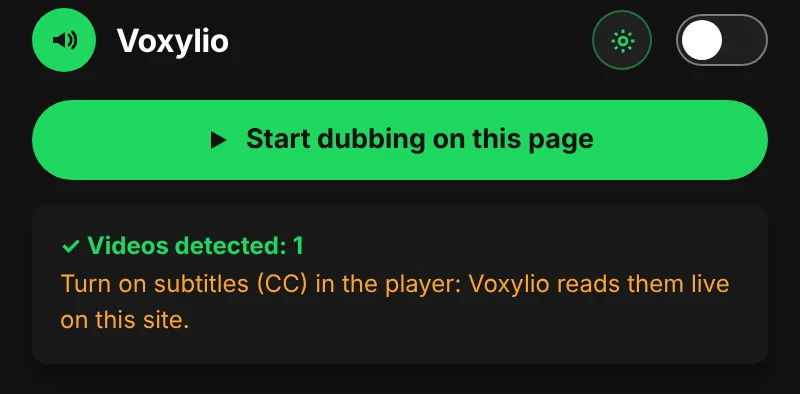
Install the extension in Chrome, Edge or Firefox and sign in with Google. The account is free.
Open the video and click CC in the YouTube player. Captions written by the creator and auto-generated ones both work, in any language.
Choose your dubbing language in the popup. There are more than 70, and the video's own language is detected for you.
Each sentence is spoken in time with the video while the original audio drops. Pause, rewind or change the speed and the voice follows the player.
Your first day unlocks every site with no limit. After that, YouTube stays free with 10 minutes of dubbing a day, counted only while a playing video is being dubbed.
Pro ($9.99 a month or $39.99 a year) and Lifetime ($99 once) remove the daily limit on YouTube and on every other supported site.
No. Voxylio dubs from the caption text and does not listen to the audio, so the video needs captions in some language. Look for the CC button in the player before you start.
More than 70, including English, Spanish, Portuguese, French, Arabic, Hindi, Japanese and Chinese. The captions can be in another language than the one you pick, because Voxylio translates them first.
Some videos come with an automatic audio track from YouTube. When that track is already playing in your language, Voxylio tells you, so you can switch the player back to the original audio and avoid hearing two voices.
No. Voxylio speaks with the voices of your browser and operating system, such as Google voices in Chrome. They are synthetic voices, and you can install extra system voices for your language.
No. Voxylio is a browser extension, so it works on youtube.com in Chrome, Edge or Firefox on a computer.
How to Translate and Dub Online Videos in Real Time
How to Translate English Videos into Spanish with Voice in Chrome
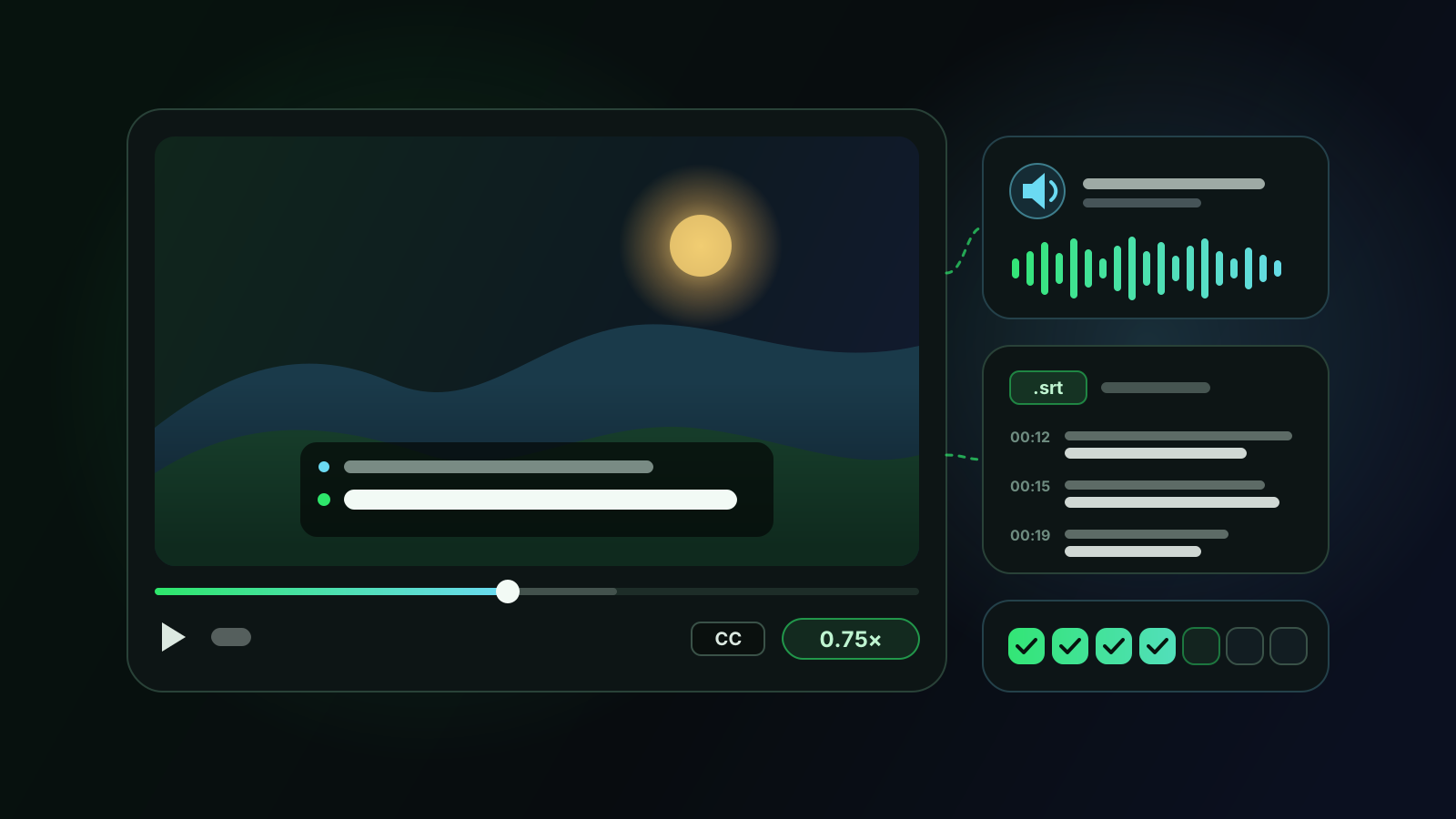
How to Learn a Language with YouTube Videos: Dubbing, Bilingual Subtitles and Shadowing
Free account with Google sign-in. No card needed.