How to Learn a Language with YouTube Videos: Dubbing, Bilingual Subtitles and Shadowing
A practical method for learning a language with YouTube: comprehensible input, bilingual subtitles, slower playback, shadowing, a weekly routine and how Voxylio helps.

Leonel Ngoya
Founder of Voxylio
YouTube is probably the largest free library of listening material ever assembled: street interviews, cooking channels, vlogs, lectures and podcasts in almost every language you might want to learn. The problem is rarely access. It is that native-speed video is often too hard to follow, so learners either give up after a few minutes or fall back on subtitles in their own language and stop listening altogether.
This guide explains why video works so well for language learning, what research actually says about captions and bilingual subtitles, and how to combine dubbing, subtitles, slower playback and shadowing into a routine. The examples follow an English speaker learning Spanish, but the method works for any language pair. Along the way, we show where Voxylio, a browser extension that dubs subtitled videos in real time, fits in—and where it does not.
Why YouTube videos work for language learning
Linguist Stephen Krashen's input hypothesis, developed in the late 1970s and 1980s, argues that we acquire a language by understanding messages slightly beyond our current level—what he called “i+1”. Video is well suited to this: images, gestures and context fill in the words you miss, so a clip that would be impossible as audio alone can become understandable on screen.
The theory has its critics. Researchers point out that it is hard to test and that it underplays speaking, interaction and feedback. A balanced reading is that understandable input is necessary but not sufficient: watching gives you the raw material, and active work—pausing, repeating, shadowing, reviewing—turns it into vocabulary and listening skills you can use.
That is why the methods below alternate between relaxed watching for meaning and short, focused passes on the same video.
Captions, translated subtitles or both? What studies show
Not all on-screen text does the same job. In this guide, captions means text in the language spoken in the video, subtitles means a translation into your own language, and bilingual subtitles show both lines at once.
An eye-tracking study by Andi Wang and Ana Pellicer-Sánchez with 112 Chinese learners of English found that bilingual subtitles supported comprehension as well as native-language subtitles, and both did better than English captions or no text at all. But viewers spent most of their reading time on the native-language line. A later study by Wang found that learners watching with same-language captions were the most likely to look at unfamiliar words while hearing them—the link between sound and spelling that builds vocabulary.
A 2022 review of research on on-screen text and vocabulary learning, by Wei and Fan in Frontiers in Psychology, points the same way: captions were favored more often than translated subtitles for learning words, while evidence on bilingual subtitles is still limited. The practical takeaway is simple: use translation to understand, then remove it to learn.
| On-screen text | Best for | Watch out for |
|---|---|---|
| Subtitles in your language | Following a difficult video for the first time | You end up reading instead of listening |
| Bilingual subtitles | Understanding while still seeing the original wording | Your eyes drift to the familiar line |
| Captions in the target language | Linking sounds to spelling and learning words | Hard at first if your level is low |
| No text | Testing real listening comprehension | Frustrating with material far above your level |
Five methods that turn watching into practice
None of these methods is new. What matters is combining them on the same short video instead of passively watching more and more content.
- Understand first, then listen again. Watch a video once in your own language, dubbed or subtitled, to grasp the story. On the second pass, switch back to the original audio. Because you already know what is happening, your attention is free for sounds, words and phrasing.
- Use bilingual subtitles as a bridge. Seeing the original line and its translation together lets you check meaning without losing the source wording. Read the Spanish line first and glance at the English only when you are stuck.
- Switch to captions for vocabulary. Once a video is familiar, keep only target-language captions. Notice how written words map onto fast speech, and note five to ten useful expressions per video.
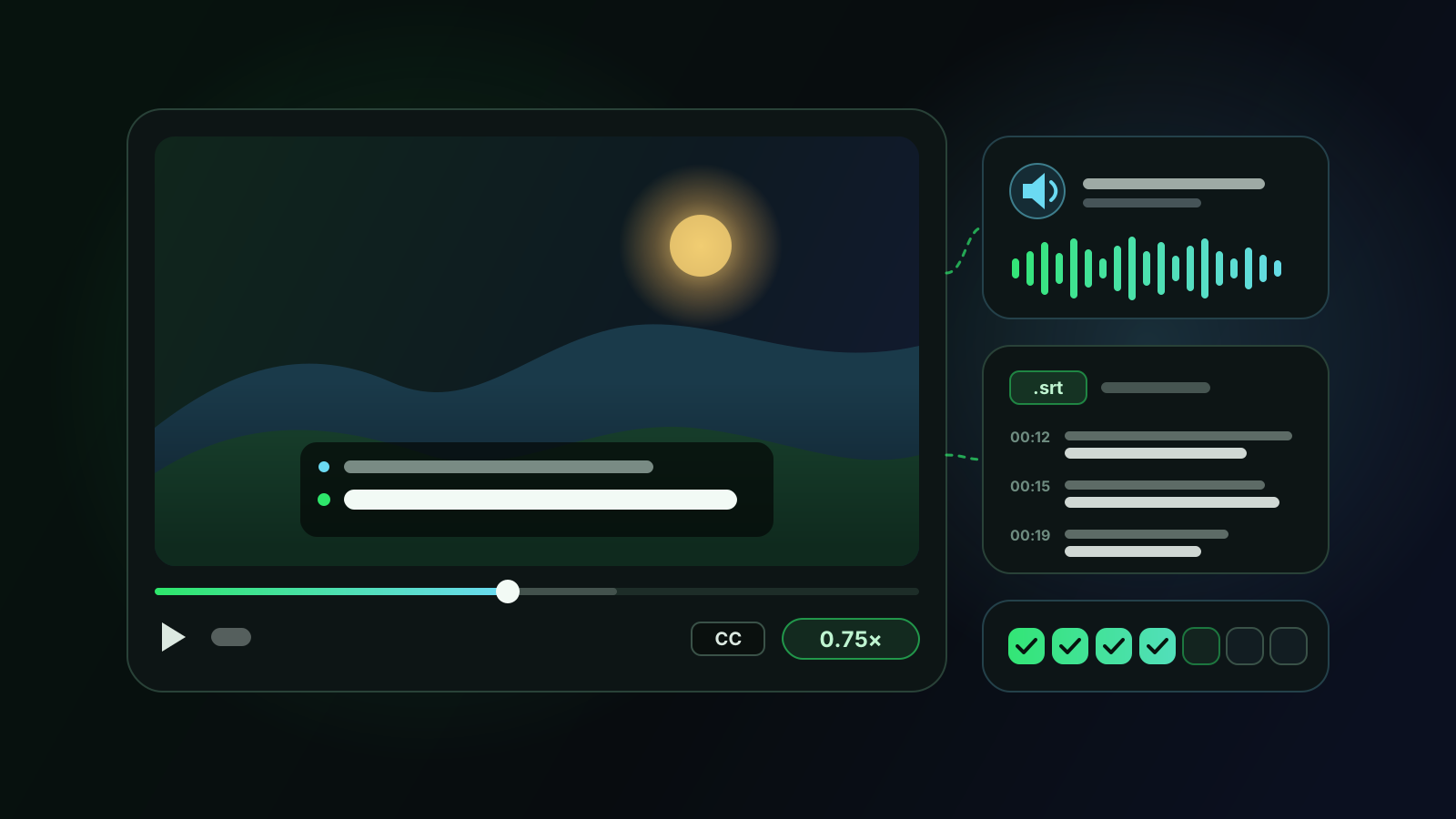
- Slow the video down. YouTube's playback speed setting ranges from 0.25× to 2×. Around 0.75×, voices still sound natural while you get time to separate words; return to normal speed on the final pass.
- Shadow short passages. Shadowing means repeating what the speaker says almost at the same time, copying rhythm and intonation. Classroom studies with Japanese university learners, such as Yo Hamada's, link it to better listening comprehension. Work on 20 to 40 seconds at a time, not whole videos.
How to choose channels and videos
Pick content slightly above your level, on topics you would watch anyway: interest is what keeps a routine alive after the first week. Short formats of five to fifteen minutes are much easier to replay than hour-long streams.
Check the subtitles before you commit. Captions written by the creator are usually more accurate than automatic ones, which can drop punctuation or mishear names. Beginners can start with channels made for learners, where speech is slower and clearer; intermediate learners can move on to vlogs, interviews and explainers made for native speakers. Stick with one or two speakers you enjoy: getting used to a voice makes everything easier to understand.
How Voxylio supports this method on YouTube
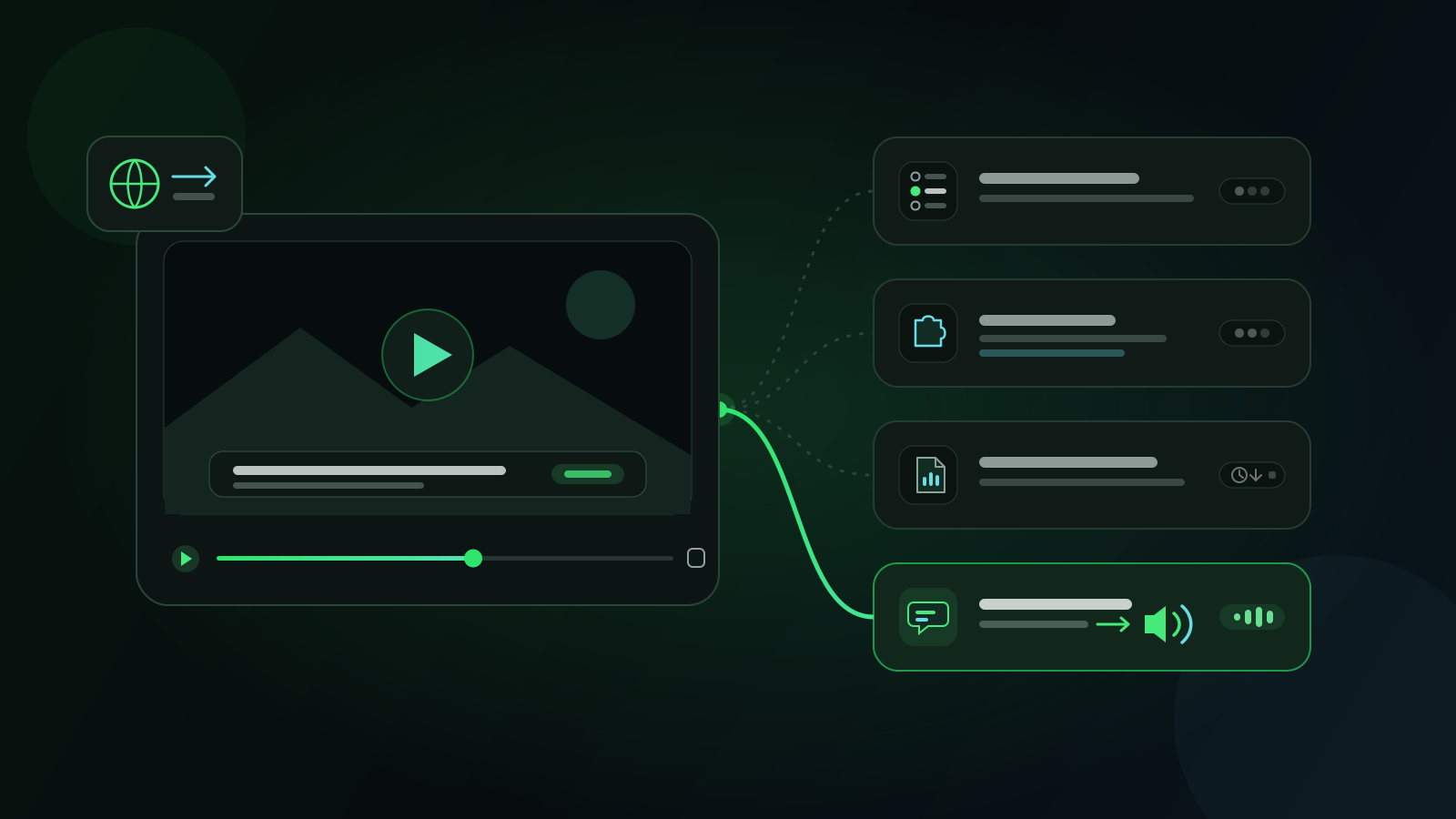
Voxylio is a browser extension for Chrome, Edge and Firefox that dubs online videos in real time. It reads the video's subtitles, rebuilds complete sentences, translates each line—on the device with Chrome's built-in Translator API when it is available, with online translation of the subtitle sentences as a fallback—and speaks the result with a voice from your browser. It covers more than 70 languages.
For a learner, the interesting part is control over the mix between the original video and its translation. A typical setup looks like this:
- 1Turn on captions. Open a YouTube video in the language you are learning and enable its captions (CC). Voxylio needs a subtitle track to work.
- 2Pick both languages. In Voxylio, set the video language or leave it on auto-detect, then choose your own language as the dubbing language—English in our Spanish example.
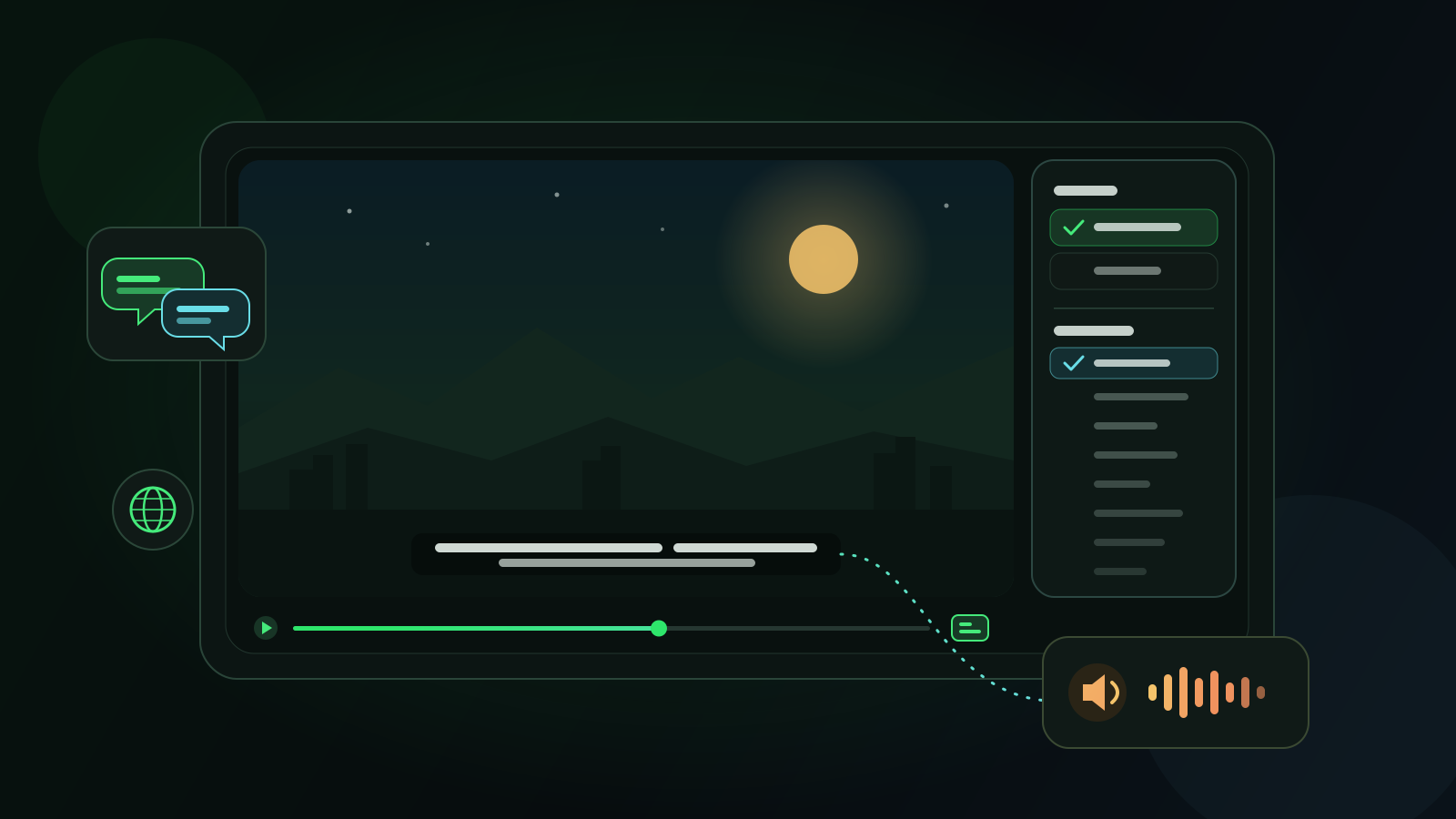
- 3Show bilingual subtitles. Turn on on-screen subtitles: Voxylio shows the original line together with its translation directly on the video, and you can adjust their size.
- 4Balance the audio. Use the floating controls to set the voice volume, the voice speed and how much original audio stays audible while the voice speaks. The Immersion, Balanced and Original forward presets make switching quick.
- 5Change the video speed. Slow the YouTube player down whenever you need to: the dubbing follows the video's playback, pauses and seeks.
A weekly routine you can keep
Twenty to thirty minutes a day is enough if you reuse the same material. Here is an example built on two short Spanish videos per week.
| Day | Focus | What to do |
|---|---|---|
| Monday | Understand | Watch video A dubbed into English with bilingual subtitles to get the whole story. |
| Tuesday | Listen | Rewatch video A with the original audio forward and Spanish captions; note new expressions. |
| Wednesday | Shadow | Pick two 30-second passages from video A, play them at 0.75×, then shadow them at normal speed. |
| Thursday | Discover | Start video B with dubbing and bilingual subtitles. |
| Friday | Focus | Rewatch video B in Spanish with captions, slowing down the hardest parts. |
| Saturday | Review | Export the transcripts, review your notes and replay the passages you found hardest. |
| Sunday | Free watching | Watch something new for pleasure, with as little translation as you can manage. |
Review with transcripts and .srt files
Every dubbing session is saved in Voxylio's history, on your device. You can read the transcript in bilingual, original-only or translation-only view, show timestamps, filter lines, copy the text or download it as a .txt file, and export the original or the translation as an .srt subtitle file.
That turns a video into study material: paste useful sentences into your flashcard app, search the transcript for a word you heard, or keep the .srt next to your notes to find the exact moment again later. A glossary also lets you force how specific terms are translated, or keep them untranslated, which helps with names and technical vocabulary.
Limits to know before you start
Voxylio only works when the video has subtitles or on-screen captions it can read; it cannot dub a video that has none. Translation quality follows the source: automatic captions with missing punctuation or misheard words produce weaker translations.
Voices come from your operating system and browser, so their quality, accents and names vary from one device to another—installing extra system voices often helps. Machine translation is a comprehension aid, not a reference: check important expressions in a dictionary before memorizing them.
A free account is required. On your first day, everything is unlocked; after that, a daily allowance of free dubbing minutes applies on YouTube, Netflix, Prime Video, Disney+ and Twitch. Pro removes the daily limit and covers every supported site, and Lifetime offers the same with a single payment. Current details are on the pricing page linked below.
Frequently asked questions
Can you really learn a language just by watching YouTube?
Watching builds listening skills and vocabulary when the content is understandable, but most learners progress faster by adding active steps such as replaying, shadowing, reviewing transcripts and speaking practice.
Should I use subtitles in my language or in the language I'm learning?
Both, at different moments. Translated or bilingual subtitles help you understand a difficult video; target-language captions are better for connecting sounds with words once the content is familiar.
Isn't dubbing into my own language counterproductive?
Only if you stop there. Use the dubbed pass to understand the content, then rewatch with the original audio forward. Voxylio keeps the original audible and lets you change the balance at any time.
Does Voxylio work on YouTube videos without subtitles?
No. Voxylio needs a subtitle track or on-screen captions. Many YouTube videos offer captions, but check the CC menu before choosing a video to study.
Can I export the subtitles to study later?
Yes. From the history page you can copy a transcript, download it as a .txt file or export the original or translated lines as an .srt file.
Is Voxylio free on YouTube?
With a free account, everything is unlocked on the first day, then you get a daily allowance of free dubbing minutes on YouTube. Pro and Lifetime remove the daily limit; see the pricing page for details.
Sources
- Wikipedia — Input hypothesis (Stephen Krashen)
- Wang & Pellicer-Sánchez — Examining the effectiveness of bilingual subtitles for comprehension: An eye-tracking study (Studies in Second Language Acquisition)
- Wang — The integration of auditory and textual input in vocabulary learning from subtitled viewing (Language Learning & Technology, 2025)
- Wei & Fan — On-screen texts in audiovisual input for L2 vocabulary learning: A review (Frontiers in Psychology, 2022)
- Hamada — The effectiveness of pre- and post-shadowing in improving listening comprehension skills (The Language Teacher, 2014)
- YouTube Help — Speed up or slow down YouTube videos
- Chrome for Developers — Translation with built-in AI (Translator API)
- Voxylio — Pricing
Try it on your next video
Hear the video in your language.
Install Voxylio, choose a language and start dubbing directly in your browser. No video download required.
 Add to Chrome