How to Watch Netflix Dubbed in Any Language, Even Without an Official Dub
Netflix dubs only some titles into some languages. Learn how to check the audio tracks you already have, why so many shows stop at subtitles, and how to hear any subtitled Netflix title in your language in real time.

Leonel Ngoya
Founder of Voxylio
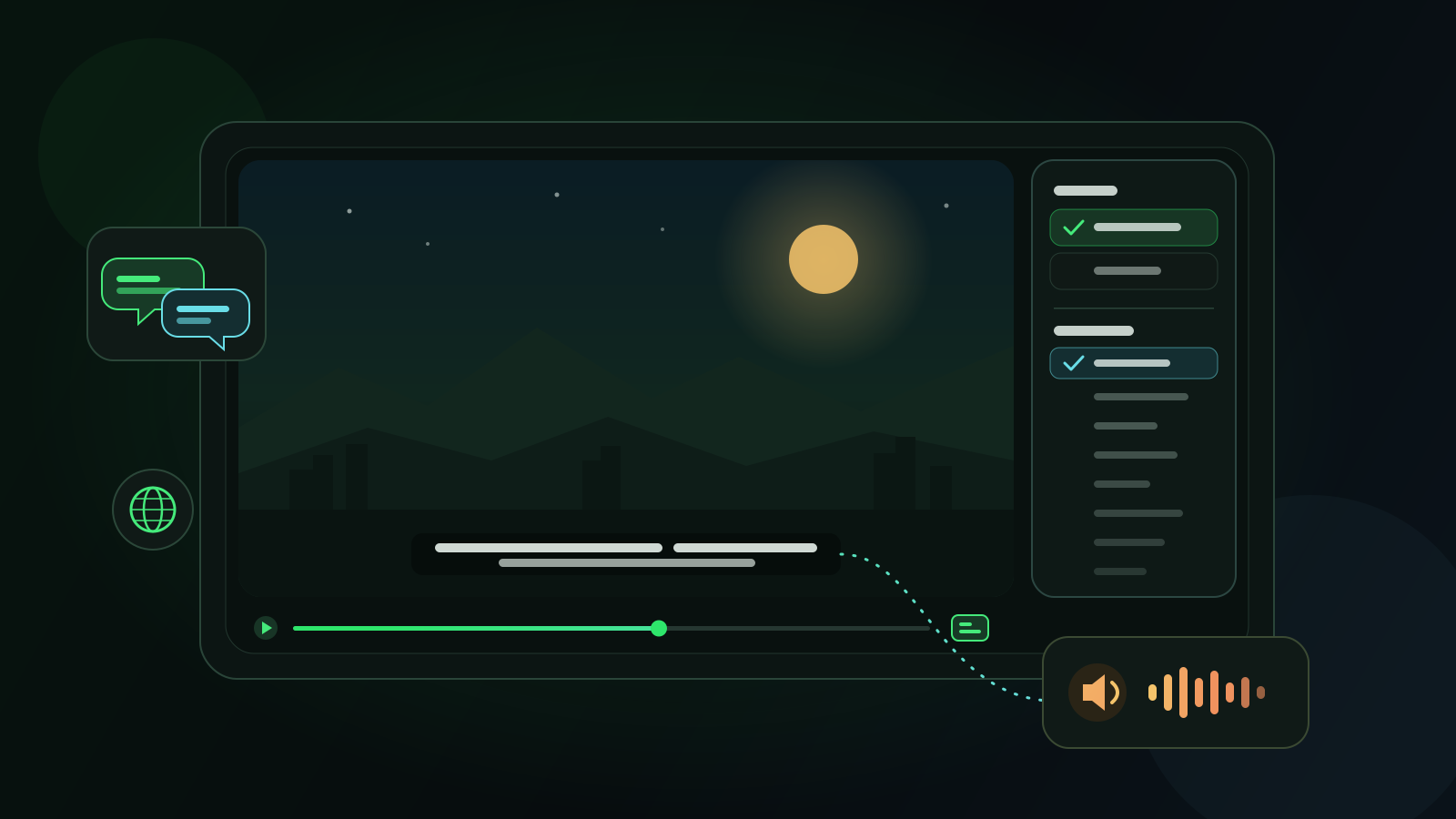
You find the Korean drama everyone is talking about, open the Audio & Subtitles menu, and hit the problem: your language is there as subtitles, or not at all, but there is no dubbed audio track. If you would rather listen than read through sixteen hour-long episodes, or you are watching with someone who cannot keep up with subtitles, that gap matters.
This guide starts with what Netflix itself offers, because an official dub is always the best option when it exists. It then explains why so many titles stop at subtitles, and how a browser extension like Voxylio can turn a subtitle track into spoken dialogue in your language, in real time, on a computer.
What Netflix offers: audio tracks and subtitles are two different things
Netflix localizes a title in two separate ways. An audio track changes the voices you hear: the original-language soundtrack plus any dubs recorded for that title. A subtitle track only changes the text on screen. A title can have a dozen subtitle languages and only a few audio languages, so seeing your language in the menu does not mean you can listen to it.
Netflix says its catalog includes titles in over 30 languages and that nearly a third of all viewing on the service is for non-English stories. Since April 2025, the TV app shows the full list of available languages for every title, as the web and mobile apps already did. If your language is missing from that list in your browser, it is simply not offered for that title where you are; it is not hidden in another menu.
| Option | What you hear | When it is available | Best for |
|---|---|---|---|
| Official dubbed audio track | Professional voice actors in your language | Only for titles Netflix has dubbed into that language, in your region | The best experience whenever it exists |
| Subtitles in your language | The original voices; you read the translation | More common than dubs, but still varies by title and region | Viewers who are comfortable reading |
| Voxylio real-time dubbing | A synthetic voice speaking the translated subtitles over the original audio | Titles with a readable subtitle track, in a desktop browser | Titles with no dub in your language |
How to change the audio and subtitle language on Netflix
Before installing anything, check what the title already offers. On a computer, the steps are the same in Chrome, Edge and Firefox, all of which Netflix supports. Language availability can also change between titles, so check each new series rather than assuming.
- 1Start the title. Open Netflix in your browser and play the episode or film you want to watch.
- 2Open Audio & Subtitles. Click the video to show the player controls, then select Audio & Subtitles at the top or bottom of the screen.
- 3Pick an audio track. If your language appears under Audio, select it. That is an official dub, and you do not need anything else.
- 4Set your profile preferences. To change which languages Netflix favors, open your Account page in a browser, choose Profiles, select a profile, open Languages, pick the audio and subtitle languages you want, and select Save.
Why many titles have subtitles but no dub in your language
Netflix’s Help Center names four factors that decide which subtitle and audio languages you see: your location, your profile language preferences, the title itself and the device you watch on. Downloads are even more limited: only the two most relevant languages are offered for offline viewing.
The deeper reason is cost and demand. A subtitle file is a translated text track. A dub means adapting the script to the actors’ timing, casting voice actors, then recording and mixing a complete new soundtrack. Dubs therefore go where audiences expect them. A 2020 Ampere Analysis study found that around 60% of foreign content on Netflix was dubbed in France, Germany, Italy and Spain, while in most other markets dubbing covered less than 30% of foreign titles and subtitles were the main form of localization.
The result is predictable: a global hit may get many dubs, while an older series, a documentary or a show from a smaller market often arrives with subtitles only. If your language has fewer dubbing studios behind it, a subtitle-only title is the norm rather than the exception.
How Voxylio dubs Netflix in real time from the subtitles
Voxylio is a browser extension for Chrome, Edge and Firefox. On Netflix, it reads the subtitles the player displays on screen, joins the fragments into complete sentences, translates each sentence into the language you choose and speaks it with a voice from your browser, timed to the video. While the voice speaks, the original audio is lowered, so you still hear the music, the effects and the actors’ tone underneath.
Translation runs on your device with Chrome’s built-in Translator API when it supports the language pair; Google lists Chrome 138 on desktop as the minimum version. When on-device translation is not available, Voxylio falls back to online translation of the subtitle sentences. Speech uses the voices your browser exposes through the Web Speech API. In Chrome, Voxylio prefers Google’s voices, which run online on desktop and receive the translated text; you can pick any voice installed on your system instead, and strictly local mode keeps translation and speech on your device. More than 70 languages are supported.
The source of the dub is therefore the subtitle text, not the soundtrack. Voxylio does not imitate the actors’ voices and does not modify the video: it adds a spoken translation on top of what Netflix plays in your browser.
Set up Netflix dubbing step by step
The setup takes a few minutes. Do it once on a short episode, then keep the same settings for the rest of the series.
- 1Install Voxylio. Add the extension to Chrome, Edge or Firefox from the official store and pin it to the toolbar for quick access.
- 2Create a free account. Sign in from the extension. An account is required, even on the free plan, and no card is needed.
- 3Turn on Netflix subtitles. Play the title, open Audio & Subtitles and select a subtitle track. The original-language track, or English, usually gives the best translation.
- 4Choose the language and voice. Open Voxylio, set the Dubbing language to your language, then choose a Voice and preview it.
- 5Start dubbing. Launch dubbing and let the first sentences load. Adjust Voice speed and Original audio until the dialogue is clear.
- 6Test the controls. Pause, resume and skip back once to check that the voice follows the video before settling in for a long session.
Tips for a more natural Netflix dub
Most of the quality comes from four choices: the voice, the pace, the mix, and the subtitle track you start from.
- Choose the best voice. Voices differ between Windows, macOS and ChromeOS. Preview several in Voxylio, and if your language only has a flat voice, install an extra voice or language pack in your operating system, then restart the browser.
- Adjust the voice speed. Translated sentences are sometimes longer than the original. A slightly faster voice keeps up with quick dialogue; slow it down again for calm scenes.
- Keep the original audio low, not muted. An audible soundtrack preserves the music, the sound effects and the emotion, and makes it obvious who is speaking.
- Use bilingual subtitles. Bilingual mode shows the translation next to the original line, which helps with names and turns every episode into a light language lesson.
- Prefer dialogue-only subtitles. If the menu offers both English and English (CC), pick the plain track. Voxylio already skips bracketed sound cues, but dialogue-only subtitles, which Netflix began adding next to SDH/CC tracks in April 2025, give cleaner sentences.
- Start from the most faithful track. Translating from the original-language subtitles avoids a double translation. When they are not offered, English is usually the most complete fallback.
Limitations to know before you start
Real-time dubbing is a practical bridge to titles you could not otherwise listen to, not a replacement for a studio dub. Keep these limits in mind.
- Subtitles are required. Voxylio dubs from text. If a title has no subtitle track, or the player shows none, there is nothing to translate.
- Voices come from your browser. Voxylio speaks with the voices your browser offers, such as Google’s voices in Chrome or those installed on your computer. They are clear, but they will not match the actors’ performance, and the list changes from one device to another.
- A computer browser only. Voxylio runs in Chrome, Edge and Firefox on a computer. It does not work inside the Netflix app on a TV, phone, tablet or game console.
- Timing is close, not perfect. The voice follows the subtitles, so very fast exchanges can overlap or lag slightly. The voice speed setting helps.
- A daily free allowance. A free account unlocks everything on the first day. After that, Netflix dubbing, like YouTube, Prime Video, Disney+ and Twitch, comes with a daily free allowance of minutes. Pro removes the daily limit and unlocks every supported site; Lifetime gives the same access for a single payment. Current plans are listed on the Voxylio pricing page.
Frequently asked questions
Can I watch a Korean drama on Netflix dubbed in my language?
If Netflix offers a dub in your language, select it under Audio & Subtitles. If it does not, turn on Korean or English subtitles and let Voxylio translate and speak them in your language in a desktop browser.
Why is my language available as subtitles but not as audio?
Subtitles are much cheaper and faster to produce than a dub, so Netflix offers more of them. Availability also depends on your location, your profile language settings, the title and the device.
Does Voxylio work in the Netflix app on my TV or phone?
No. Voxylio is a browser extension for Chrome, Edge and Firefox on a computer, so it works on netflix.com in a desktop browser.
Is Voxylio free on Netflix?
A free account unlocks everything on the first day, then includes a daily free allowance of dubbing minutes on Netflix. Pro and Lifetime remove the daily limit; the pricing page has the details.
Does Voxylio replace Netflix’s original audio?
No. It speaks over the video and lowers the original sound while the translated voice talks, so music and effects stay audible. The video itself is never downloaded or modified.
Which voices does Voxylio use?
The voices your browser exposes. In Chrome, Voxylio prefers Google’s voices, which run online on desktop; you can also pick any voice installed on your operating system, and adding a voice or language pack in your system settings gives you more choices.
Primary sources
- Netflix Help Center — How to use subtitles, captions, or choose audio language
- Netflix Help Center — Why subtitles or audio isn’t available in a specific language
- Netflix Help Center — How to change the language on Netflix
- Netflix Help Center — Supported browsers and system requirements
- Netflix — The Netflix TV experience just got more multilingual
- Engadget — Netflix subtitles are now available in a dialogue-only format
- Advanced Television — Research: Netflix prioritises dubbing in major EU markets
- Chrome for Developers — Translator API
- MDN — SpeechSynthesis: getVoices() method
- Voxylio — Plans and pricing
Try it on your next video
Hear the video in your language.
Install Voxylio, choose a language and start dubbing directly in your browser. No video download required.
 Add to Chrome