Best Tools to Dub Videos in Your Language: An Honest Comparison
Compare YouTube and Netflix audio tracks, dual-subtitle and dubbing extensions, AI dubbing services like ElevenLabs, Rask AI and HeyGen, and Voxylio: pricing, privacy and limits.

Leonel Ngoya
Founder of Voxylio
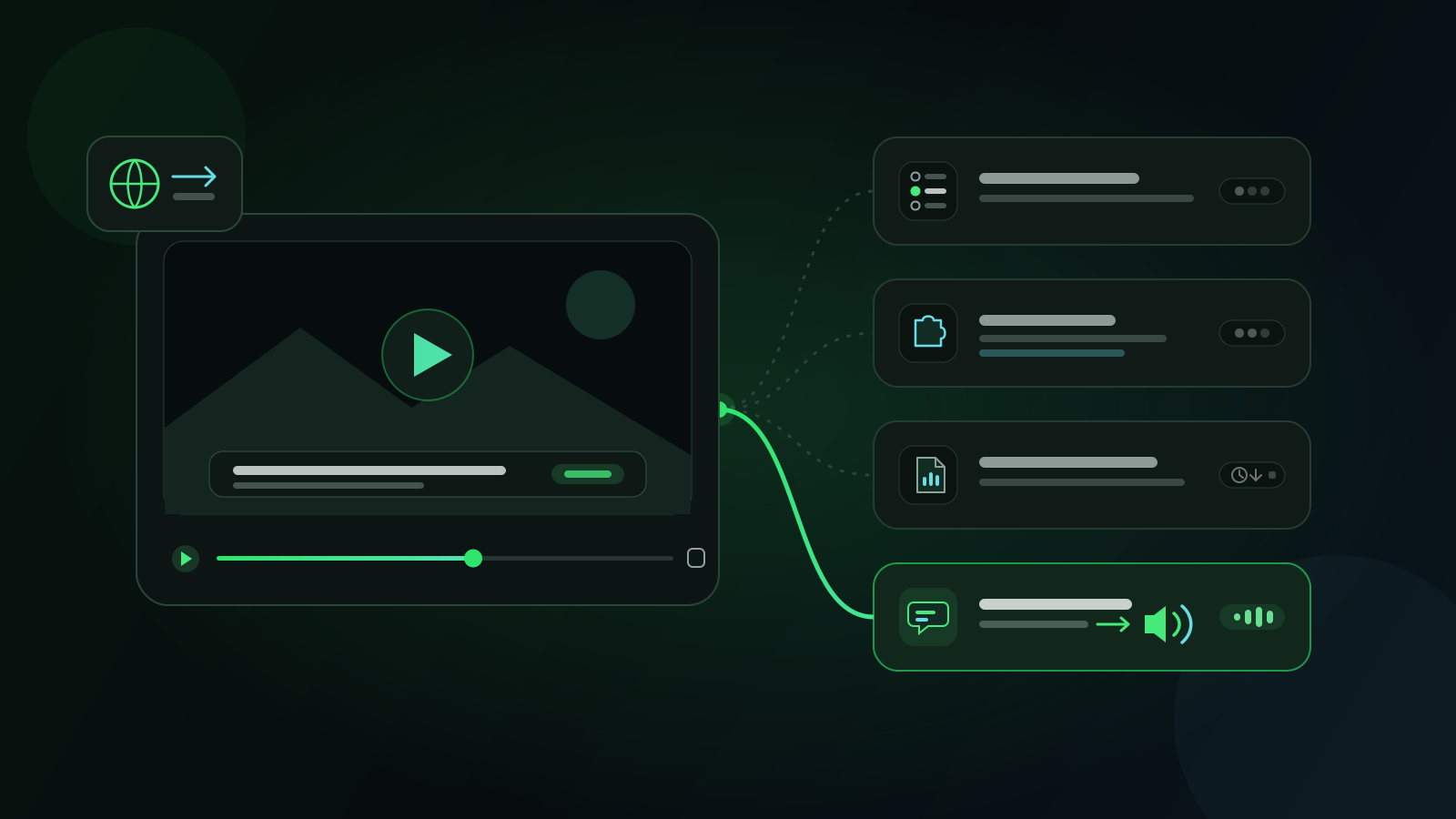
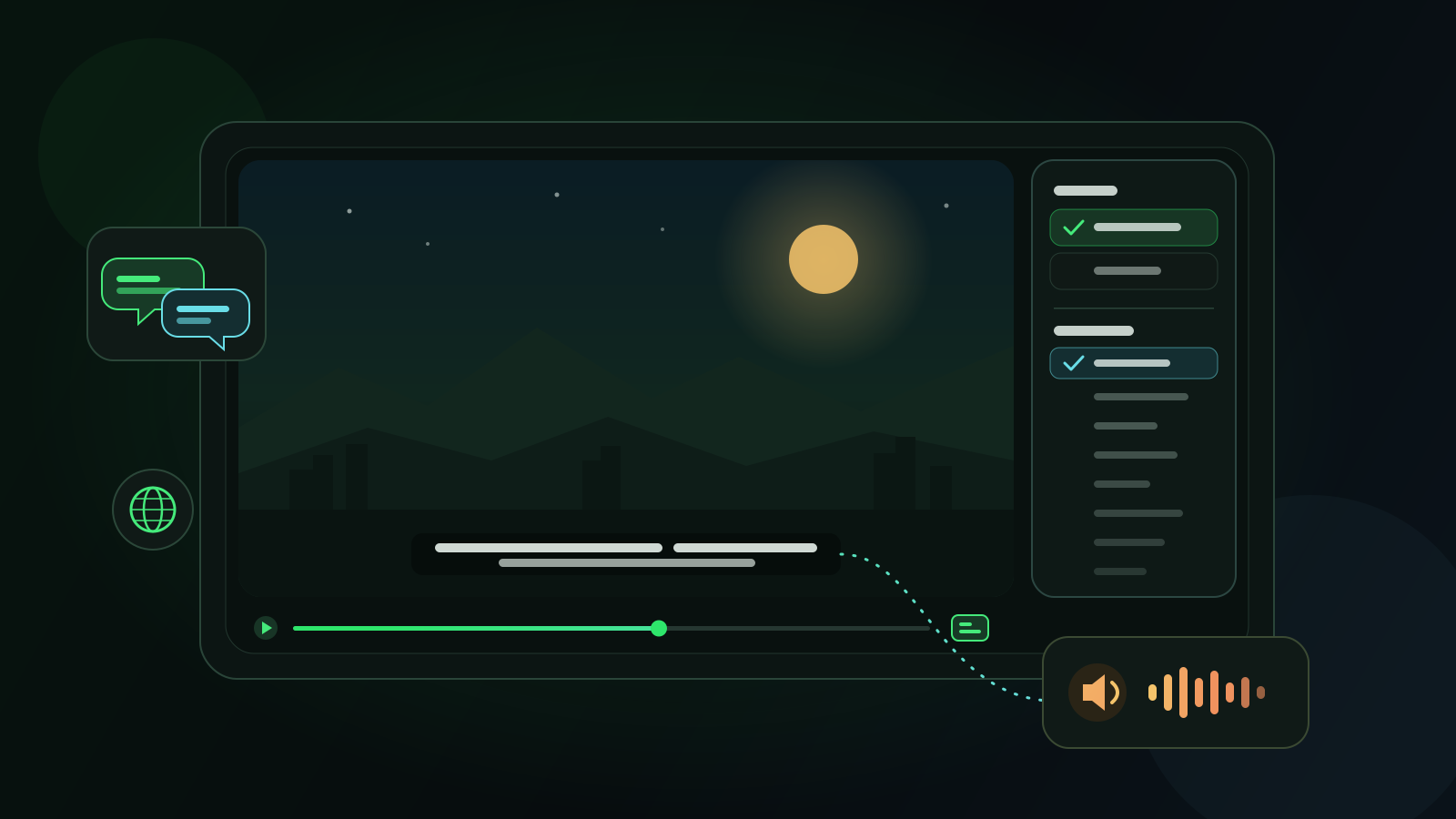
You found the right video — a lecture, a documentary, a creator you like — and it is in a language you only half follow. Today there are four very different ways to hear it in your own language: switch to an audio track the platform already provides, use a browser extension that translates or dubs while you watch, send the file to an AI dubbing service, or use a subtitle-based real-time dubbing extension such as Voxylio.
They are not interchangeable. Some are built for viewers, others for the people who publish the video; some are included in a subscription you already pay, others bill by the minute. This comparison explains who each option is for, how it works, how it is priced, what leaves your device and where it falls short — including Voxylio's own limits. Competitor prices were checked on official pages and are dated; they change often, so confirm them before you buy.
The four approaches at a glance
Before comparing products, separate the approaches. Are you watching someone else's video, or producing your own? And do you want to read a translation or hear one?
- Platform audio tracks. Dubbed or auto-dubbed tracks offered by the video service itself. Free for viewers, but only available when the publisher or the platform created them.
- Viewing extensions. Browser add-ons that work on top of the player while you watch: some translate subtitles as text, others capture the audio and speak a translation.
- AI dubbing services. Creator tools that take a video file and render a new dubbed version, often with voice cloning or lip-sync, billed per minute or in credits.
- Voxylio. A viewing extension that reads the video's subtitles, translates each line and speaks it with a browser voice, in sync with playback.
Platform audio tracks: YouTube and Netflix
Always check the player first. On YouTube, a video can carry several audio tracks. Some are uploaded by the creator; others come from YouTube's automatic dubbing, which is enabled by default for eligible creators and generates translated tracks. YouTube marks those videos as “auto-dubbed” in the description, and viewers can switch between the original and dubbed tracks or set preferred audio languages.
Coverage depends on the language pair. According to YouTube's help center, English originals can be dubbed into many languages, while videos in many other languages can only be dubbed into English. Some languages support expressive speech, which tries to carry over the speaker's pitch and intonation, and lip sync is an experimental feature limited to select channels. Videos longer than 120 minutes, with little speech or with copyright claims are among those that are not eligible.
Netflix works at the title level: you can change audio and subtitle languages for many shows and films, and the Audio & Subtitles menu lists every language available for that title. What you get is what was produced for it — you cannot add a language that is not there.
- Who it's for. Anyone watching on a platform that already offers their language.
- Pricing model. Included: free on YouTube, part of your Netflix subscription.
- Privacy. Nothing extra is shared; you are only choosing a track on a service you already use.
- Pros. The best synchronization and sound mix, and nothing to install.
- Cons. Only exists when the publisher or platform made it; you cannot add a missing language.
Browser extensions that translate or dub while you watch
When the platform has nothing in your language, the browser can fill the gap. Tools here fall into two families, and the difference matters for privacy, cost and what you hear.
Subtitle-based tools work from the captions the video already has. Language Reactor is the best-known example for language learners: on Netflix and YouTube it shows subtitles in the language you are learning and in your own language side by side, with study tools around them. It is a freemium extension built for reading and learning rather than for giving you a translated voice. Chrome has a related built-in feature: Live Caption generates captions on your device, and Live Translate can send those captions to Google to translate them — as text, not speech.
Audio-based tools listen to the tab instead. DubTab's Chrome Web Store listing describes an AI voice that speaks the translation on any tab playing audio, with in-app purchases. Livdub captures a tab's audio and sends it to Google's Gemini Live Translate with your own Gemini API key; as of November 2026, its free tier allows 45 active minutes per UTC day, and an optional paid plan removes the limit. Because they work from the sound itself, these tools can handle videos without subtitles and live streams, at the cost of sending audio to a cloud service and adding some delay.
- Who it's for. Viewers who want to stay in the browser: learners who read dual subtitles, or people who want to listen.
- Pricing model. Usually freemium: a free tier or daily allowance, then a subscription or in-app purchase.
- Privacy. Subtitle tools can work largely in the browser; audio-capture tools send tab audio to a speech or translation service.
- Pros. Works on videos the platform will never dub, with no file to upload.
- Cons. Results depend on the captions, the audio clarity and how the site's player is built.
AI dubbing services for creators: ElevenLabs, Rask AI and HeyGen
These are production tools. You upload a video you control, the service transcribes, translates and re-voices it, and you download a new file to publish. They are designed for creators and teams localizing their own content — not for watching someone else's video on the fly.
ElevenLabs Dubbing localizes audio and video into more than 90 languages and aims to preserve each speaker's emotion, timing and tone; it detects multiple speakers and lets you download the dubbed result. Its plans are credit-based, and its help center states that dubbing is charged per minute of source media, for each language you dub into.
Rask AI is a subscription with monthly minutes. As of November 2026, its help center lists the Creator plan at $39 per month for 25 minutes. One minute of dubbing equals one minute of translated output, so a one-minute video dubbed into two languages uses two minutes, and lip-sync consumes additional minutes. Rask advertises 135+ languages and voice cloning.
HeyGen is an AI video platform whose Video Translation feature re-voices a video in a new language, optionally with lip-sync. Everything runs on credits: as of November 2026, paid plans start at $29 per month (Creator), and translation consumes 4 to 10 credits per minute depending on whether you choose audio only or a lip-sync engine. On the free plan, translated videos are limited to one minute.
- Who it's for. Creators and businesses that own the content and want a polished dubbed file to publish.
- Pricing model. Per minute or credits, multiplied by the number of languages; lip-sync usually costs more.
- Privacy. Your video is uploaded and processed in the provider's cloud.
- Pros. High-quality AI voices, voice cloning, editing tools and an exportable file.
- Cons. Costly for everyday viewing, not real time, and you need the rights to the video.
Voxylio: real-time dubbing from subtitles
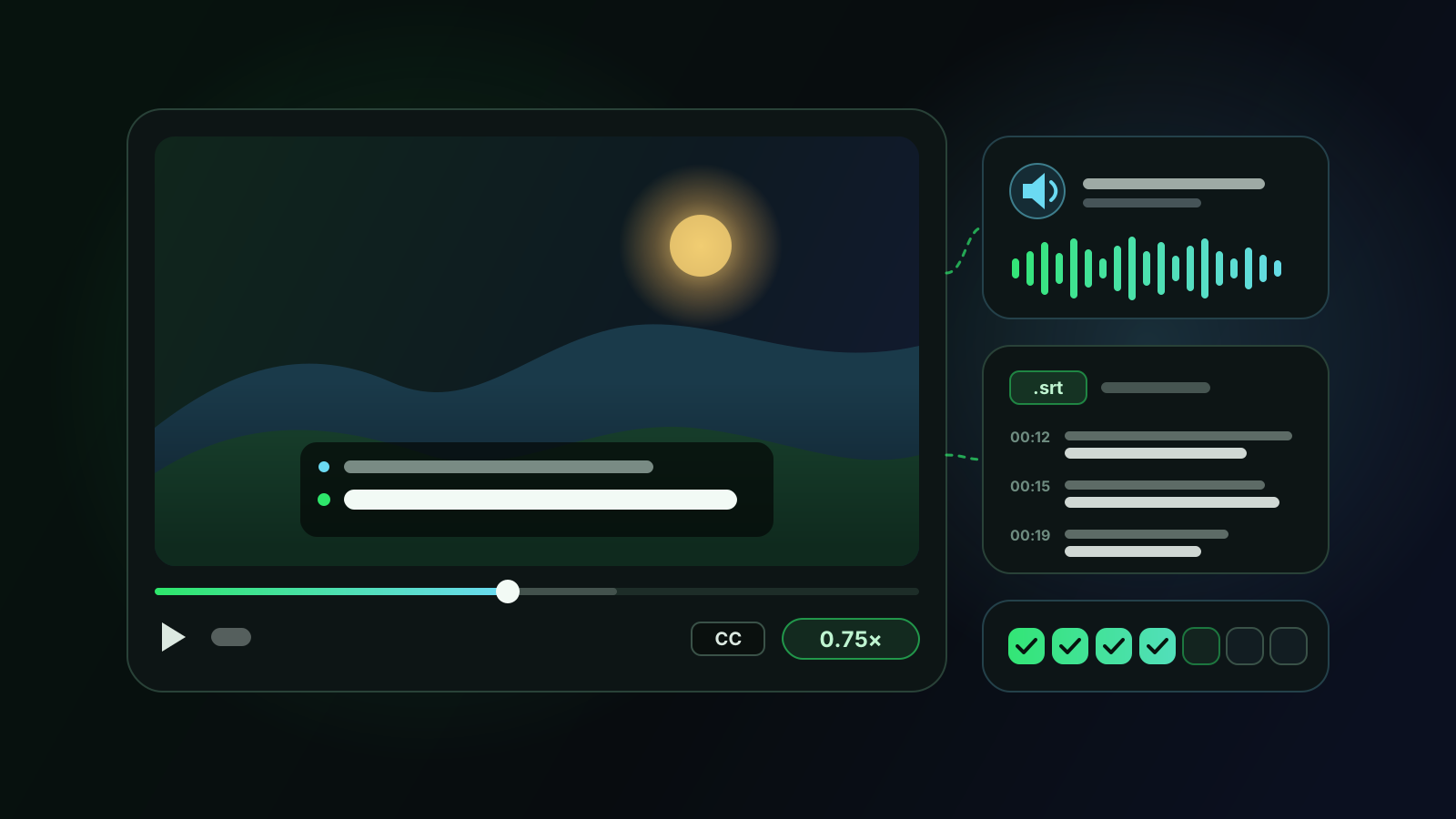
Voxylio is a browser extension for Chrome, Edge and Firefox that dubs online videos as they play. It reads the video's subtitle track or on-screen captions, translates each line and speaks it with a voice from your browser, lowering the original sound while the translation plays. It supports 70+ languages and works on YouTube, Netflix, Prime Video, Disney+, Twitch and many other players that expose subtitle tracks, including online course platforms.
Translation runs on your device with Chrome's built-in Translator API when it is available; otherwise, individual subtitle sentences are sent for online translation as a fallback. Audio and video are never uploaded. Speech uses the voices built into your browser and operating system, which is why there is no per-minute cost to pass on to you. In Chrome, Voxylio prefers Google's voices, which run online on desktop and receive the translated text; strictly local mode keeps translation and speech on your device.
Pricing is a flat plan rather than credits. You need a free account; your first day unlocks everything, and after that the free plan includes a daily allowance of dubbing minutes on the big platforms. Pro removes the daily limit and unlocks every supported site, at $9.99 per month or $39.99 per year at the time of writing; Lifetime gives the same access for a one-time payment of $99. Current details are on the Voxylio pricing page (voxylio.lndev.me/pricing).
The limits are real. Voxylio needs subtitles or captions: if a video has none, there is nothing to translate. Its voices are standard browser voices — clear and immediate, but not studio-quality voice cloning, and their quality varies between devices. It dubs while you watch; it does not export a video file.
- Who it's for. Viewers who watch a lot of subtitled content — courses, series, interviews — and would rather listen than read.
- Pricing model. Free daily allowance on the big platforms; a flat subscription or one-time Lifetime for unlimited use.
- Privacy. On-device translation where available; public subtitle sentences go online in fallback, and online voices, such as Chrome's Google voices on desktop, receive the translated text. Strictly local mode keeps both on your device.
- Pros. Real time, many supported sites and a predictable cost no matter how much you watch.
- Cons. Requires captions, uses standard browser voices rather than cloned voices, and creates no downloadable file.
Side-by-side comparison
The table summarizes the trade-offs. Prices are indicative and dated; check each official page before you pay.
| Option | Best for | What it needs | Pricing model | Where processing happens | What you hear |
|---|---|---|---|---|---|
| YouTube audio tracks | Viewers, when a track exists | A video with a dubbed or auto-dubbed track | Free | Within YouTube | Creator dub or YouTube's synthetic voice |
| Netflix audio tracks | Series and films | A title that includes your language | Included in the subscription | Within Netflix | The track supplied with the title |
| Language Reactor | Language learners | Subtitles on Netflix or YouTube | Freemium | In the browser | Original audio, dual subtitles |
| Chrome Live Translate | Reading any audio as text | Desktop Chrome | Free | Captions made on-device, sent to Google for translation | Original audio, translated captions |
| Audio-capture extensions (e.g. DubTab, Livdub) | Videos without subtitles, live streams | Tab audio | Free tier, then paid plan or in-app purchase | Tab audio sent to a cloud AI service | AI voice |
| ElevenLabs, Rask AI, HeyGen | Creators localizing their own videos | The video file and the rights to it | Credits or minutes, per language | Uploaded to the provider's cloud | AI voices, voice cloning, lip-sync on some plans |
| Voxylio | Viewers of subtitled videos | Subtitles or captions | Free daily allowance; Pro $9.99/month or $39.99/year; Lifetime $99 | On-device translation where available, online in fallback; Chrome's Google voices run online on desktop | Your browser's voices |
Which one should you use?
Choose by situation rather than by brand. Many viewers end up combining two of these options.
Whatever you pick, test it on the exact site and language pair you care about. A free tier or a first day is enough to see whether captions are detected, whether a voice exists for your language and whether the synchronization holds over a long video.
- The platform already has your language. Use the official audio track. Nothing beats a track mixed for that video.
- You are learning the language. Dual subtitles keep you in contact with the original; switch to dubbing when you simply need to follow.
- The video has subtitles but no audio in your language. A subtitle-based dubbing extension like Voxylio gives you a voice in real time at a flat price.
- There are no subtitles, or the stream is live. An audio-capture extension can help, if you accept cloud processing and extra delay.
- You publish the video. Use a creator-side AI dubbing service and budget per minute and per language.
Frequently asked questions
What is the best free way to watch a video in my language?
First check the player for an audio track in your language — on YouTube and Netflix it costs nothing extra. If there isn't one, extensions with free tiers or daily allowances, including Voxylio's free plan, let you try real-time options before paying.
Is YouTube auto-dubbing available on every video?
No. It depends on the creator's eligibility, the language pair and the video itself; YouTube excludes, for example, videos longer than 120 minutes, with little speech or with copyright claims. Videos with these tracks are marked “auto-dubbed” in the description.
Can I use ElevenLabs, Rask AI or HeyGen to watch someone else's video?
They are built to produce dubbed files, not to dub while you watch, and they bill per minute or in credits. Uploading a video you don't own may also conflict with its rights. For viewing, a platform track or an extension is a better fit.
Does Voxylio work without subtitles?
No. Voxylio translates the subtitle track or the on-screen captions; if a video exposes neither, there is nothing to dub. When captions exist but are turned off, Voxylio can often switch them on for you on supported sites.
Why does Voxylio's voice sound different on another computer?
Voxylio speaks with the voices your browser offers: Google's voices in Chrome, Microsoft's in Edge, and any voice installed on your operating system. The available languages, accents and quality therefore vary by browser and device. Installing additional system voices can improve the result.
How does Voxylio's price compare with per-minute dubbing services?
At the time of writing, Voxylio has a free plan with a daily allowance on the big platforms, then Pro at $9.99 per month or $39.99 per year, or Lifetime at $99 once — the price does not depend on how many minutes you watch. Creator dubbing services bill per minute or in credits for each language because they render new files.
Sources
- YouTube Help — Use automatic dubbing
- Netflix Help Center — How to use subtitles, captions, or choose audio language
- Google Chrome Help — Manage captions and translations in Chrome
- Language Reactor — official website
- Chrome Web Store — DubTab
- Chrome Web Store — livdub
- ElevenLabs Docs — Dubbing
- ElevenLabs Help Center — How much does dubbing cost?
- Rask AI Help Center — Free trial, subscription plans and minutes
- HeyGen Help Center — Video Translation 101
- HeyGen — Pricing
- Chrome for Developers — Translator API
- Voxylio — Pricing
Try it on your next video
Hear the video in your language.
Install Voxylio, choose a language and start dubbing directly in your browser. No video download required.
 Add to Chrome