How to Translate and Dub Online Videos in Real Time
A practical guide to translating online video audio while it plays, from subtitles and local voices to contextual AI translation and live transcription.

Leonel Ngoya
Founder of Voxylio
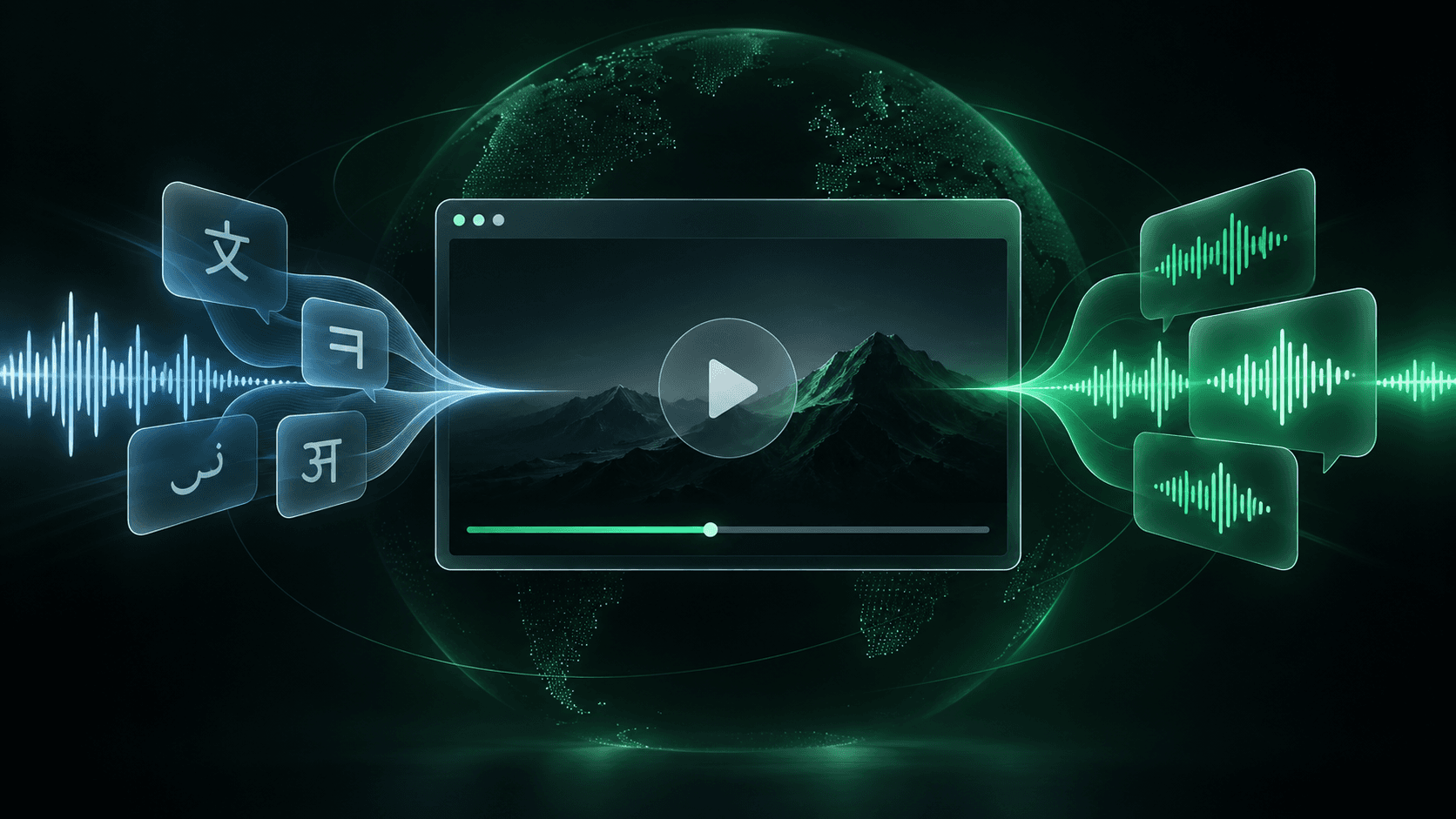
Watching a video in a language you only partly understand is tiring. Subtitles help, but they split your attention between reading and watching. Real-time dubbing lets you hear a translated voice while the original video keeps playing.
The best method depends on the website, whether captions exist, the languages involved and the level of privacy or voice quality you need. This guide explains the practical options and the fastest way to start.
What real-time video dubbing actually means
Real-time dubbing usually does not modify the video file. A tool follows the video clock, translates speech or captions, and plays a synthesized voice over lowered original audio so music and effects remain audible.
- 1Capture. Read a subtitle track, on-screen captions or the audio itself.
- 2Understand. Rebuild complete sentences and preserve names, terminology and context.
- 3Translate. Convert each sentence into the viewer’s chosen language.
- 4Speak. Generate a voice and stay aligned when the viewer pauses, seeks or changes speed.
Choose the right translation method
Start with the simplest option that works for the video. Each method solves a different use case.
- Platform dubbing. Check the player’s audio tracks first. It is usually best synchronized, but only works when the publisher supplied your language.
- Translated subtitles. Free and widely available, but less comfortable for tutorials and long videos where the visuals matter.
- File-based dubbing. Useful for creators producing a polished new version, but it requires a file and time to process it.
- Browser extension. The most direct choice for viewers who want to understand videos across different websites without downloading them.
How to dub an online video with Voxylio
Voxylio reads captions available in the player, rebuilds them into sentences, translates ahead of playback and speaks them in your language.
- 1Install. Add Voxylio from your browser’s extension store.
- 2Open. Play a supported video and enable its captions when available.
- 3Choose. Select your target language and preferred voice.
- 4Start. Launch dubbing, then pause or seek normally; Voxylio follows the player.
Why complete sentences matter
Live captions often arrive as fragments and repeatedly revise the same line. Translating every fragment produces broken grammar, duplicated speech and unnatural pauses.
A reliable engine waits for a stable sentence, assigns it a persistent identity, translates it with nearby context, queues it once and cancels stale work after a seek. A small look-ahead buffer helps the voice stay synchronized.
Local processing versus cloud AI
Local processing is private and inexpensive; cloud services add quality and support videos without captions. A sensible product keeps local mode available and uses cloud processing only when it adds clear value.
- On-device translation and voice. Best for everyday viewing, privacy and unlimited use; quality depends on the device.
- Contextual cloud translation. Better for technical content, names and consistent terminology; requires Internet and metered processing.
- Cloud neural voice. Provides more natural rhythm and pronunciation, with a usage cost and sometimes fewer languages.
- Live transcription. Unlocks videos without usable subtitles, but audio must be processed and latency is higher.
Common real-time dubbing problems
- The same phrase repeats. The engine must distinguish a live-caption revision from a new sentence.
- The voice falls behind. Use shorter phrasing, gentle speed adjustment or a small look-ahead buffer.
- No captions are detected. Enable captions. Some players need a dedicated adapter or live audio transcription.
- The voice sounds robotic. Choose another voice and preserve punctuation, which controls pauses and emphasis.
- The dub speaks after seeking. Cancel all pending translation and speech jobs whenever the position changes.
Frequently asked questions
Can I translate a video while it is playing?
Yes. Real-time dubbing can translate upcoming captions and speak them while the video continues to play.
Can I dub a video that has no subtitles?
Yes, with an extra speech-to-text step before translation and voice generation.
Does real-time dubbing replace the original voice?
It normally overlays a translated voice and lowers the original audio, preserving music and background sound.
Is local video translation private?
On-device features stay local. Cloud translation, transcription or neural voices send the data required for that feature to a provider.
Try it on your next video
Hear the video in your language.
Install Voxylio, choose a language and start dubbing directly in your browser. No video download required.