How to Turn On Subtitles on YouTube, Netflix, Prime Video and Disney+
Where the subtitle button is on YouTube, Netflix, Prime Video, Disney+ and Twitch, what automatic captions are worth, and what to do when a video has no subtitles at all.

Leonel Ngoya
Founder of Voxylio
Subtitles do more than help when the sound is off. They let you follow a language you only half understand, catch names and technical terms, and they are the text that translation and dubbing tools work from.
Every video site hides the control in a slightly different place, and some videos simply have no subtitles. This guide shows where to look on the main platforms and how to tell the difference between "switched off" and "not available".
Where the subtitle control is, site by site
Start the video first: most players only show their controls once playback has begun. Move the mouse over the video to bring them up.
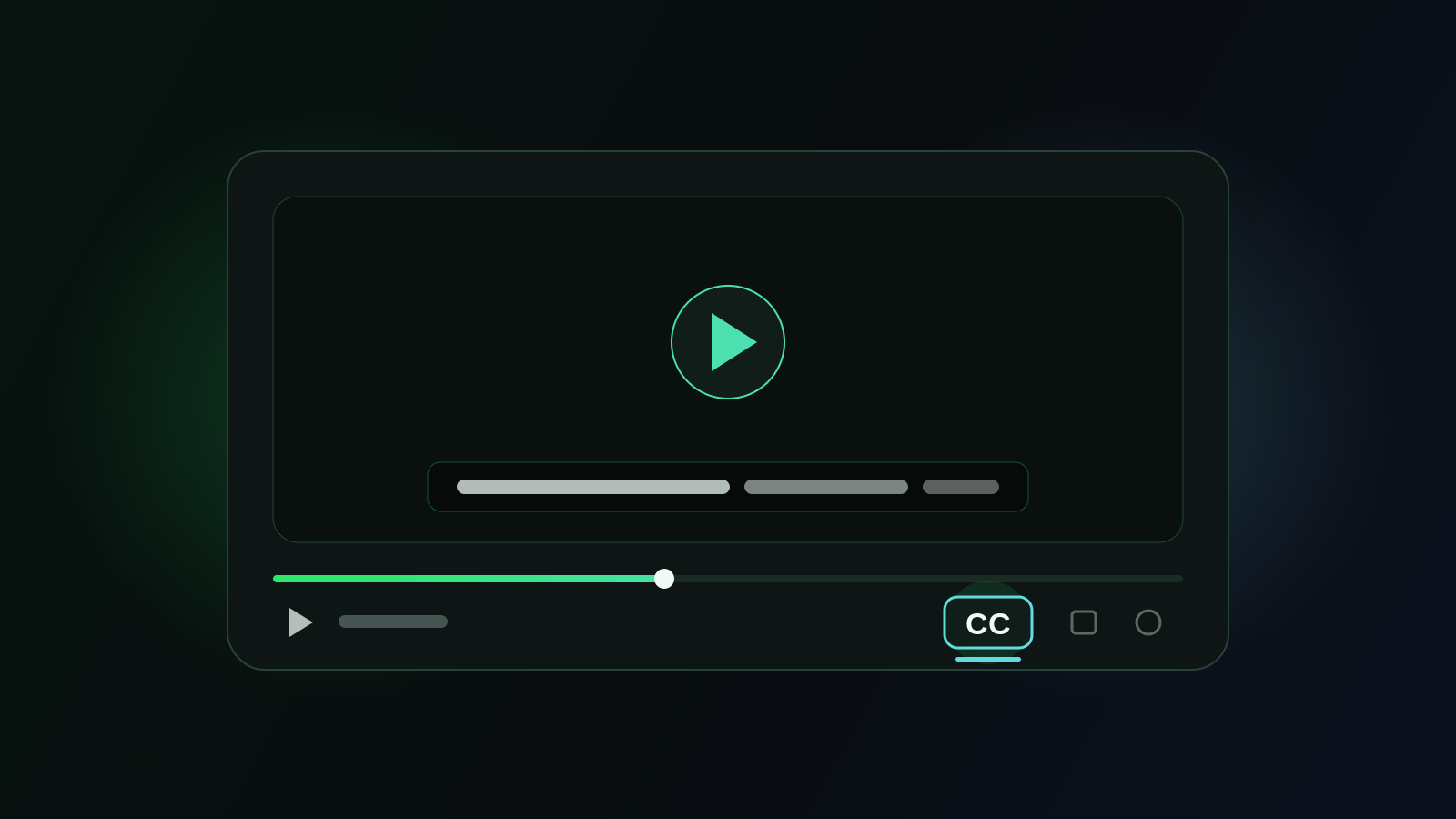
- YouTube. Click the CC button at the bottom right of the player, or press the C key. Click again to turn captions off. The gear icon next to it lets you pick another caption language when the video offers several.
- Netflix. Bring up the controls and open the audio and subtitles icon (a speech bubble). Pick a subtitle language in the list. What is offered depends on the title.
- Prime Video. While the video plays, open the subtitles and audio icon (a speech bubble) at the top of the player and choose a subtitle language.
- Disney+. Open the audio and subtitles icon at the top right of the player, then choose a subtitle language.
- Twitch and other sites. Look for a CC button in the player. On Twitch it only appears when the streamer provides captions. On other sites, a CC or speech-bubble icon in the control bar is the usual sign.
Automatic captions: good enough?
When the uploader did not write subtitles, YouTube often generates them from the audio. They appear in the caption menu as an auto-generated track and work like any other: the CC button turns them on.
Automatic captions follow the words closely but have little punctuation and can miss names, accents or fast speech. For understanding a tutorial or a talk they are usually enough. For a film or a series, subtitles written by people stay more reliable.
When a video has no subtitles
Sometimes there is nothing to switch on. These are the signs, and what you can still try.
- The button says "unavailable". On YouTube, a greyed CC button labelled "Subtitles/closed captions unavailable" means the video has no caption track, not even an automatic one. Clicking it does nothing.
- Live streams and brand-new uploads. Automatic captions can take time to appear after an upload, and many live streams have none. Coming back later, or watching the replay, sometimes solves it.
- Text drawn into the picture. Some videos carry subtitles burned into the image. You can read them, but a tool cannot: there is no text track behind them. Look for another upload of the same video with real captions.
Hear the subtitles instead of reading them
Reading subtitles for a long video is tiring, and it takes your eyes off the picture. Once captions are on, a dubbing extension can translate them and speak them aloud in your language while the video plays, with the original sound lowered under the voice.
Voxylio does this in Chrome, Edge and Firefox: it reads the captions the player provides, rebuilds complete sentences, translates them and speaks them in sync. It needs those captions to exist: a video without subtitles cannot be dubbed. Your first 10 minutes need no account.
Frequently asked questions
Why is there no CC button on my video?
Either the player hides its controls until the video starts, or the video has no captions. Start playback and move the mouse over the video. If the button is greyed out or missing, that video has no subtitle track.
Are subtitles and closed captions the same thing?
Nearly. Closed captions also describe sounds, such as music or laughter, for viewers who cannot hear them. For following or translating speech, both work the same way.
Can a video without subtitles be dubbed?
Not by a tool that works from captions, such as Voxylio. It translates text, so it needs a subtitle track or on-screen captions it can read. It does not transcribe the audio.
Sources
Try it on your next video
Hear the video in your language.
Install Voxylio, choose a language and start dubbing directly in your browser. No video download required.
 Add to Chrome