Try Real-Time Video Dubbing Without Creating an Account
Voxylio now dubs your first 10 minutes with no account and no card. What the trial includes, how the minutes are counted, and what happens after it.

Leonel Ngoya
Founder of Voxylio
The fair way to judge a dubbing tool is to hear it on a video you actually want to watch. Until now Voxylio asked for a Google sign-in first. That step is gone for the first minutes.
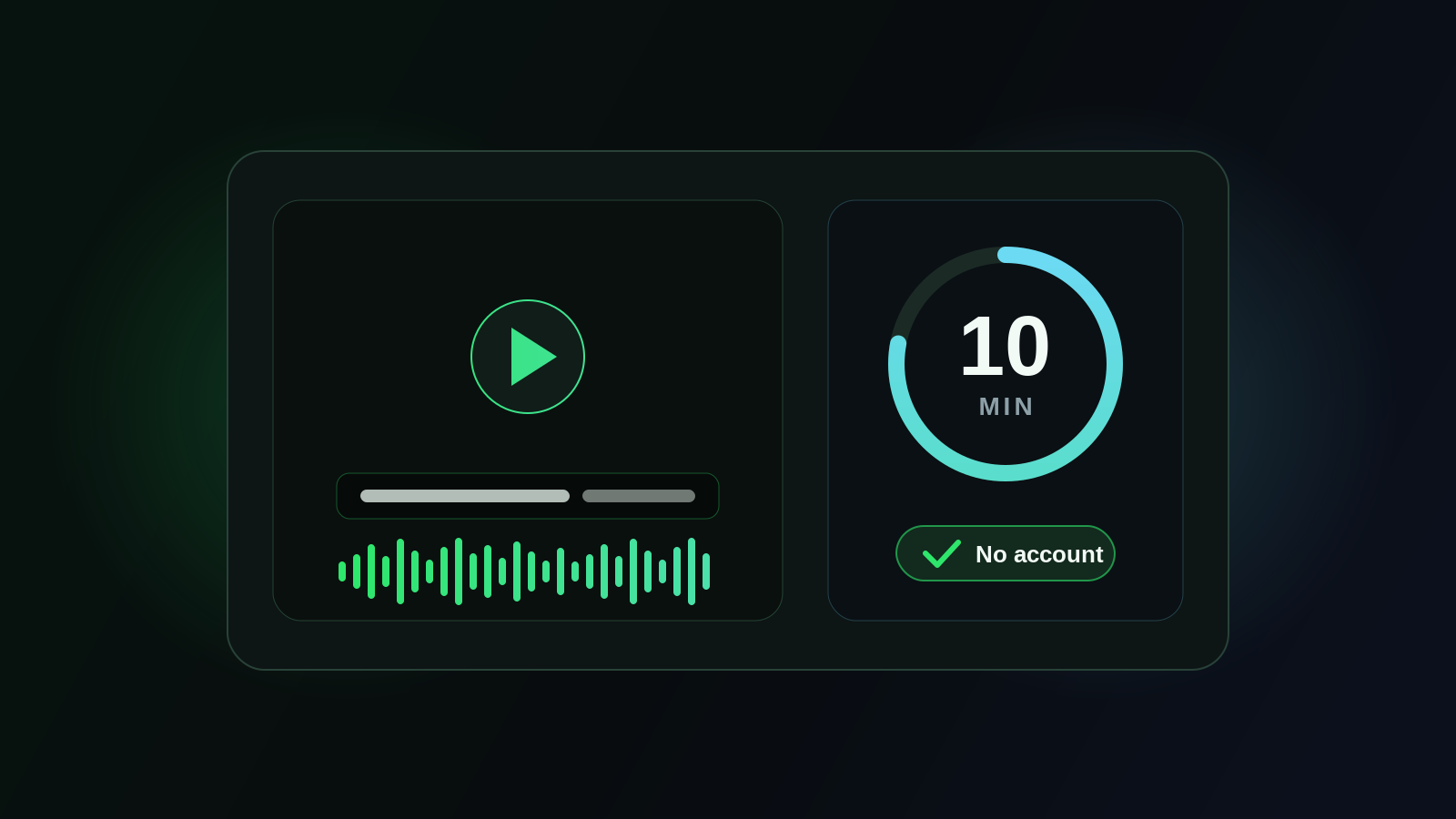
Since version 1.9.5, a fresh install dubs 10 minutes without an account, and since 1.9.6 on any site with subtitled videos. No card, no email, nothing to configure beyond the language you want to hear.
What the trial includes
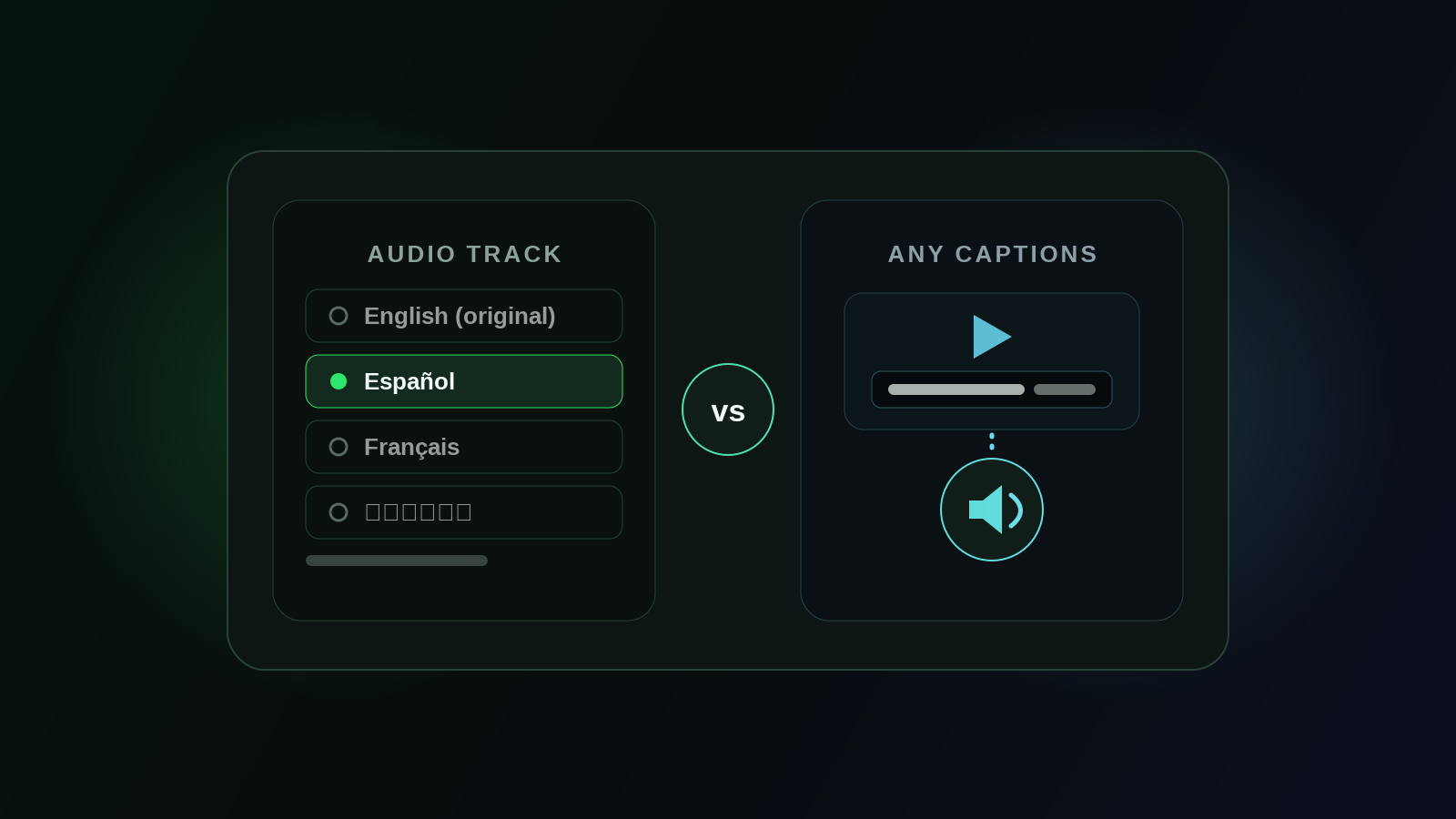
Ten minutes of real-time dubbing, on any site where the browser can read the video's captions. Voxylio translates each subtitle sentence and speaks it over the video, in sync, with the original sound lowered under the voice.
The trial uses the same engine as a free account: on-device translation when your browser supports the language pair, an online fallback otherwise, and the voices available in your browser, in more than 70 languages.
Your first dubbed video in two minutes
The dubbing switch is off after installation, so nothing speaks until you ask for it.
- 1Add the extension. Install Voxylio from the Chrome Web Store, Microsoft Edge Add-ons or Firefox Add-ons.
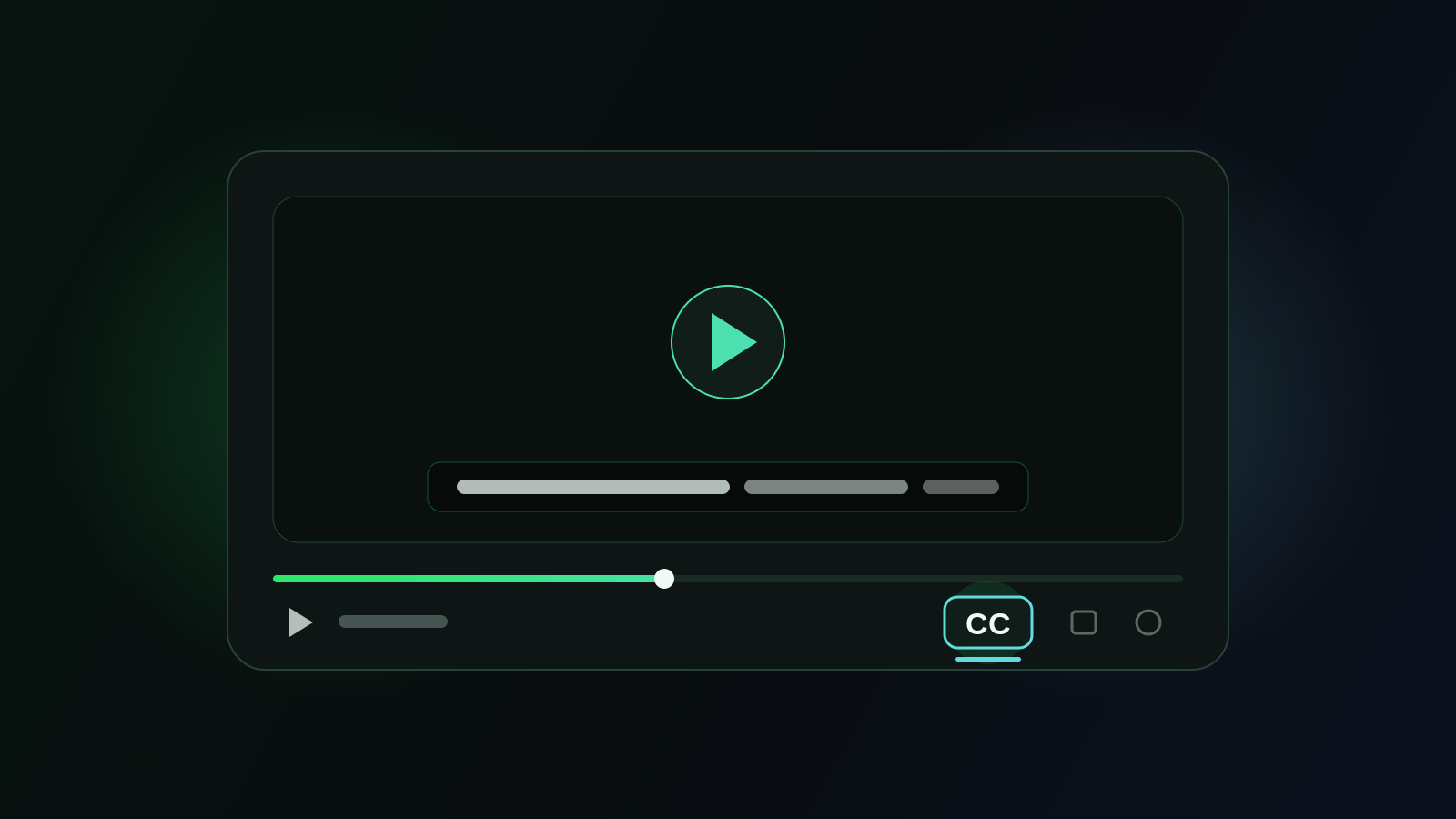
- 2Open a video with subtitles. A YouTube video is the easiest start. Make sure captions exist: the CC button is available in the player.
- 3Choose your language. Click the Voxylio icon and pick the language you want to hear. It defaults to your browser's language.
- 4Start the dubbing. Press "Start dubbing on this page", then play the video. The popup shows how many trial minutes are left.
How the minutes are counted
Minutes count while a playing video is actually being dubbed. Pausing, buffering and long silences do not use them up, so ten minutes usually cover more than ten minutes of viewing.
The trial is granted once per installation and does not renew each day. When it runs out, the sentence being spoken finishes, then a card offers to create a free account and brings you back to your video afterwards.
After the trial
A free Google account keeps the dubbing going. No card is asked.
- The first day. On the day you sign up, every supported site is unlocked with no time limit.
- Every day after that. The free plan includes a few dubbing minutes every day on YouTube, Netflix, Prime Video, Disney+ and Twitch.
- Pro and Lifetime. The paid plans remove the daily limit and unlock every supported site, course platforms included.
Frequently asked questions
Do I need a credit card to try Voxylio?
No. The first 10 minutes need no account at all, and the free account that follows needs no card either.
What does Voxylio know about me during the trial?
There is no account, so nothing is tied to you. The first time you dub, the extension sends one anonymous signal: its version, your browser and the kind of site, with no identifier. Translation works as usual: on your device when possible, otherwise subtitle sentences go to an online translation service.
Why did nothing happen when I pressed play?
Either the dubbing switch is still off, or the video has no subtitles. Click the Voxylio icon and press "Start dubbing on this page"; the bar on the video then says whether subtitles are loading, switched off or missing.
Sources
Try it on your next video
Hear the video in your language.
Install Voxylio, choose a language and start dubbing directly in your browser. No video download required.
 Add to Chrome