YouTube Auto Dubbing vs a Dubbing Extension: Which One Do You Need?
What YouTube's automatic dubbing does, where it stops, and when a real-time dubbing extension is the better way to hear a video in your language.

Leonel Ngoya
Founder of Voxylio
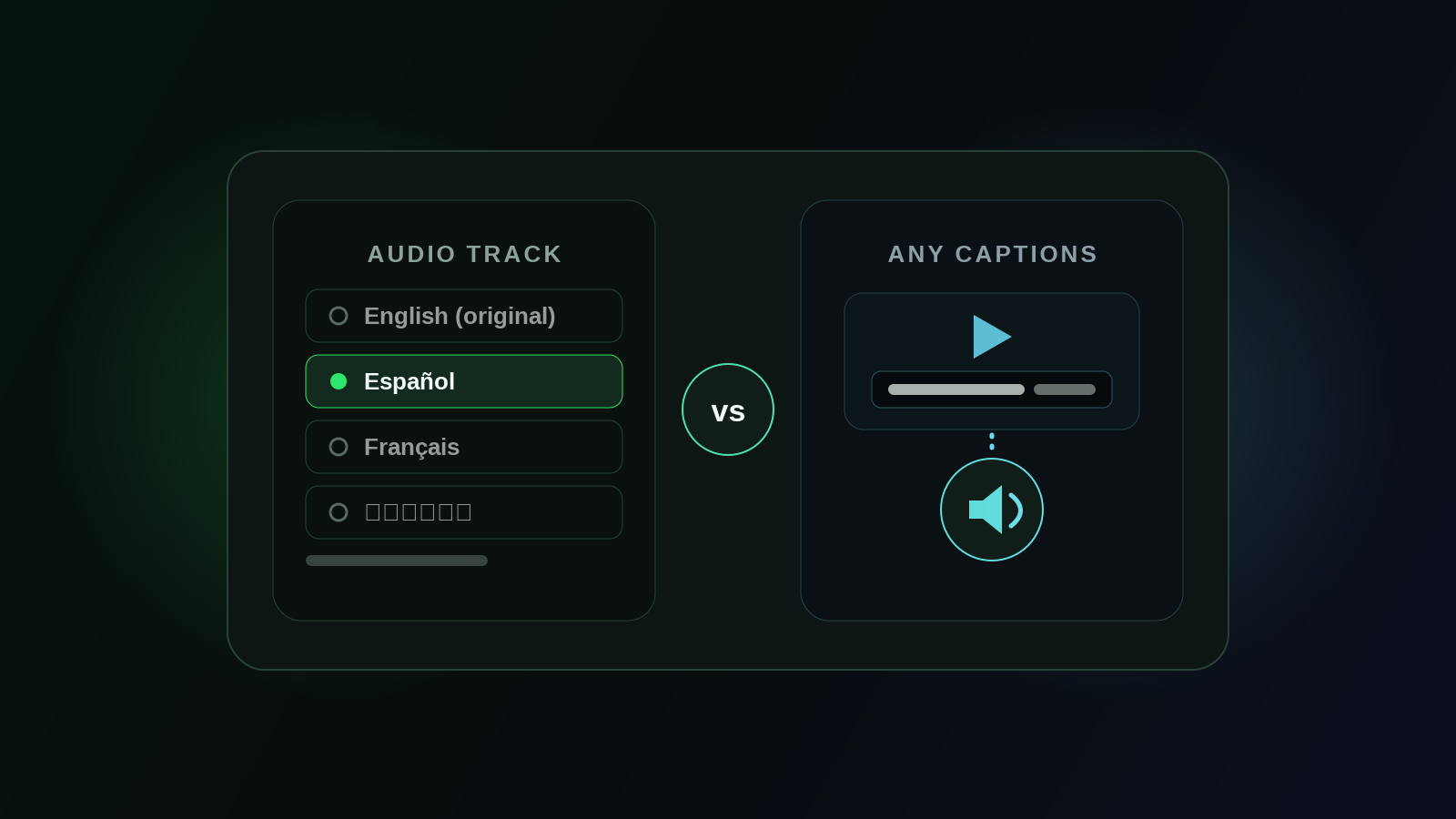
YouTube can now translate a video's voice automatically and offer it as an extra audio track. When it is there, it is the easiest way to hear a video in your language: nothing to install, one tap in the player.
It is not there for every video, though, nor for every language, and it does not exist outside YouTube. A real-time dubbing extension fills that gap from the viewer's side. The two tools are not rivals; they cover different videos.
What YouTube's automatic dubbing is
Automatic dubbing is generated by YouTube on the creator's side. When an eligible channel uploads a video, YouTube creates translated voice tracks and publishes them with the video. Viewers then hear the track that matches their language settings, and can switch back to the original in the player's audio track menu.
YouTube says the feature is available in 27 languages, with a more natural "expressive speech" mode for some of them. Creators keep control: they can review, unpublish or delete a dub, or turn the feature off for their channel.
Where it stops
The limits come from how the feature works: the dub must exist before you press play.
- It depends on the creator. A video only has a dubbed track if the channel has the feature and did not turn it off. Many videos you want to watch simply have none.
- Not every video qualifies. YouTube's own help page lists videos that get no dub: those longer than 120 minutes, those with little speech, with speech that is too fast, or in an unsupported original language.
- Language pairs are limited. Most supported pairs go to or from English. If neither your language nor the video's is English, a dubbed track is unlikely.
- Only on YouTube. A course platform, a streaming service or a conference site does not get YouTube's dubs. Each service decides for itself which audio languages it offers.
What a dubbing extension does differently
An extension works on the viewer's side, at the moment of watching. Voxylio reads the captions the player provides, rebuilds complete sentences, translates them and speaks them aloud in sync, lowering the original sound while the voice talks. Nothing has to be prepared by the creator.
That is why it reaches videos automatic dubbing does not: any site whose captions the browser can read, and more than 70 languages. The trade-off is real too: it needs captions, it uses the voices available in your browser rather than a voice modelled on the speaker, and it does not create a file.
Which one to use
A simple order of checks covers almost every case.
- The video already has your language. Open the player's settings and look at the audio track menu. If your language is listed, use it: a published track is prepared in advance and usually better timed.
- No dubbed track, but captions exist. This is where an extension helps. Turn on the captions, including automatic ones, and let the extension translate and speak them in your language.
- No captions at all. Neither tool can help directly. Look for another upload of the same content, or for an official version in your language.
Frequently asked questions
How do I know whether a YouTube video is auto dubbed?
Open the player's settings and look for the audio track menu. Several languages listed there mean the video has dubbed tracks. YouTube also labels automatically dubbed videos in their description.
Can I turn YouTube's automatic dubbing off?
Yes. In the player's settings, choose the original language in the audio track menu. YouTube's language settings also let you set preferred languages so those videos keep their original audio.
Does a dubbing extension work on auto-dubbed videos?
Yes, but there is little reason to use both. If YouTube already offers your language, use that track. An extension is for the videos and languages where no track exists.
Sources
Try it on your next video
Hear the video in your language.
Install Voxylio, choose a language and start dubbing directly in your browser. No video download required.
 Add to Chrome